With physical media slipping away more and more, what are some ways we can maintain a personal connection and preserve memories with our digital games?
I personally find so much value in having a physical game with a physical cart or disc up on a shelf - but as a PC gamer, I don’t usually get those anymore. Plus, even with physical PC games, you don’t exactly “pick it off the shelf and put it in” like a console game. I was seeking out nocd patches 20 years ago.
Also, the task of collecting physical games builds a connection with the games that often supersedes actually playing them. I’ve collected so many PS1 and PS2 games that I haven’t played yet.
After this conversation with Tahk0 on BlueSky, I felt inspired to explore this topic:
Initially, it might seem like I don’t do these things with digital games. My gut reaction is that the shelf storage/display/picking is the #1 priority, but upon reflecting I realize that my video making, journaling my review notes, making zines and my magazines, etc. are all participating in this! I want to do more, though.
I’ve also started modifying my Steam entries to have fancier logo/banners (often animated!) from SteamGridDB - but that feels fleeting and pointless sometimes since it doesn’t persist across OS installs.
I like to try and apply the same curated approach to digital games as I do physical. Basically what I do is I only keep around the stuff that I really care about and have a connection to (there are some games I will only play once) and then sell, trade in or donate the rest.
Now I can’t really do the latter part with digital games, but most platforms do let you hide games from your library.
Having a smaller library in general helps with feeling a connection to my games. But I also find that the act of curation, and thinking about what games are important to me, helps deepen those connections.
I think one of the reasons physical is so appealing is because it’s passively affirming. It takes up space, it lives along with you, which I think does a lot to remind you of these experiences in both extreme and subtle ways. So it feels easy to connect & reconnect because it’s persistent in physical space.
I think long last connection with digital games can exist in both the physical & digital world, but both ultimately are artifacts of your experience. As Tahk0 said, merch is one of the great ways that I think you are able to not only connect with digital experiences, but also express them externally. You yourself channel them into physical medium. Digitally too, artifacts of your experience can exist through videos, journaling, and so on.
For me, journaling and writing a personal review has been my best experience connecting better with digital games. I hope to take that a step further and start scrapbook more, so to speak. By that, I really just mean incorporating screenshotting into the journaling experience, something that is much easier to do digitally then physically.
Another great way for me has been having a consistent, small community of friends that all regularly interact around our core shared hobby of games. Discord streaming games to one another in particular has been great. Sometimes it’ll be something we’re all playing, or a classic one hasn’t played before but other have. Being able to share that experience, enjoyment, and sometimes even a little bit of nostalgia has been really great over the years, and truly some of the best memories I have with games is the experiences I have been able to share & enjoy with my friends. For example, one of my friends played Minecraft for the first time in his life two winters ago. Being able to not only experience his new player experience, but to also be able to share my knowledge and history with him was fantastic.
I really, REALLY want to find the “perfect” mini printer and workflow for being able to integrate screenshots into my logs/journals more easily. My mini printers are Instax which are just too cumbersome and expensive to keep printing willy-nilly. But also the flow of getting screenshots sent is disruptive to play when I’m jotting notes. Need to rig up some crazy ass hotkey that screenshots and prints all at once haha.
If I don’t have it integrated in the logging, then it feels pointless to print them unless I’m doing a whole second stage of scrapbooking. Which I kinda want to do! I’ve outlined a whole little mini-zine for Denshattack! since I just beat it for review, but broadly speaking the motivation to do a scrapbooking thing after I’m done with the game and moving onto the next plummets fast. (And yes, I know resisting that is part of the intentionality of it.)
A whole instaprint workflow sounds like an incredibly cool little project, but also one that sounds like it would eat a lot of hours, lol! The sensation of hitting a big ol’ button macro that fires the screenshot & then passes it off to print instantly would be incredibly satisfying, though! (Although, likely adding it to some sort of review queue would likely be the cost-conscious execution.)
This is ultimately my big struggle with the idea too. Scrapbooking is a whole different beast, and is detached from the logging process unless you make it seamlessly apart of it. But, that secondary process could also be a way to better connect with digital games too, as one could really go all out with stickers or game art work to compliment the scrapbook. I’ve done a couple scrapbooking style projects in the past, and have found that it can be a really fun way to bake in some personal experience and expression into what is essentially a flared up form of documentation.
For me, my journaling remains digital at this time (I know, I know, it’s better to physically write things) as I use my Zettlekasten + publish logs/reviews on my Steam account & Backloggd— so an all digital experience is super seamless for me. I haven’t really implemented screenshoting into these logs yet, but, it’s something I’m looking to do as I hope it will result in me slowing down and “smelling the flowers” more in my gaming sessions. There’s a lot of great scenic views and vistas, or even hidden items or areas that game & art designers craft, and I frequently blow right through them as my task completion brain takes the front seat.
Otherwise, to add onto the original merch statement— I myself display a handful of statues/amiibos, game posters & other miscellaneous convention grabs typically surround my workspace, and help connect better with my digital games. My fiancee is very fond of trinkets & little knickknacks, and has really encouraged that side of expression & connection for me.
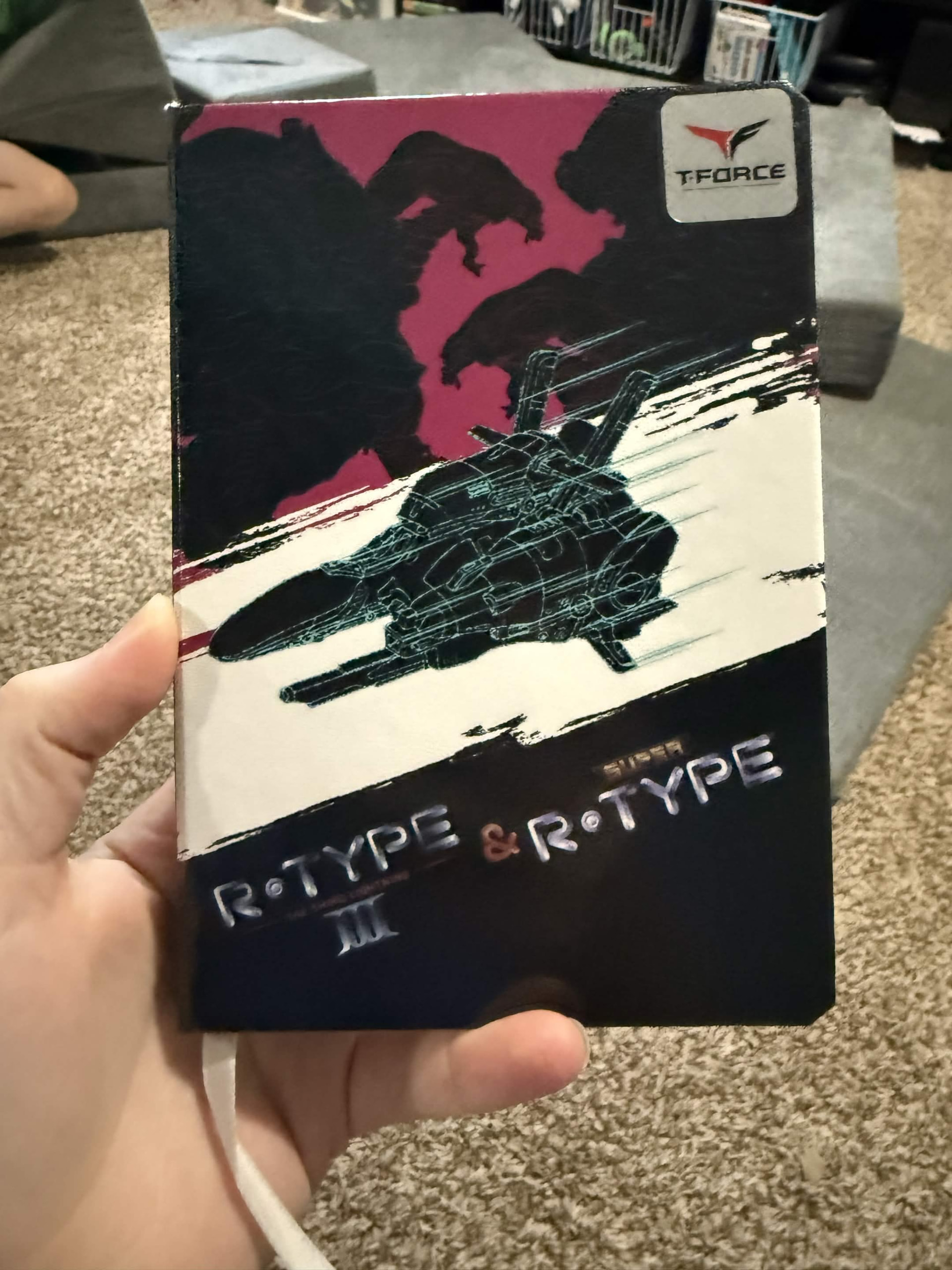
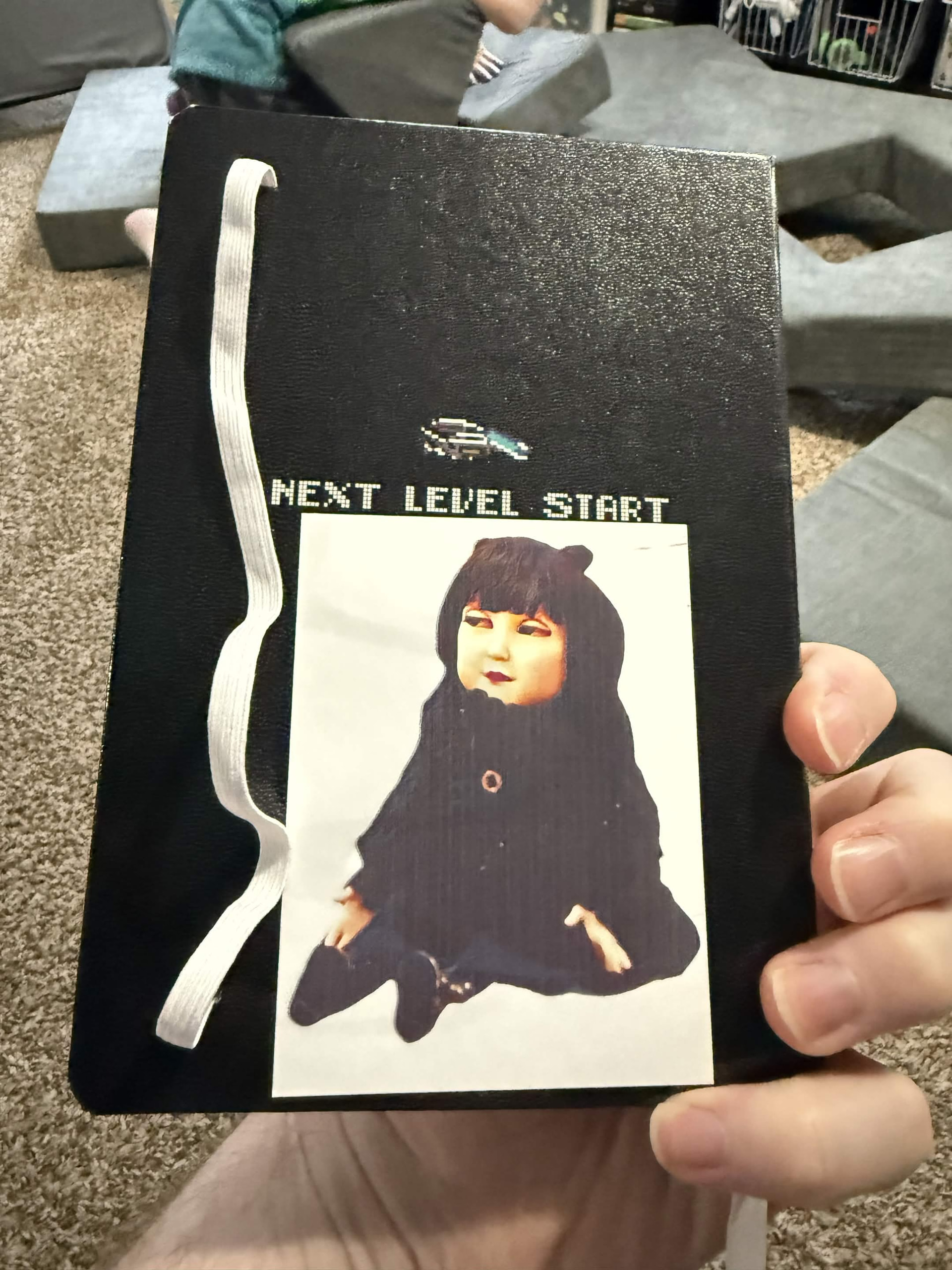
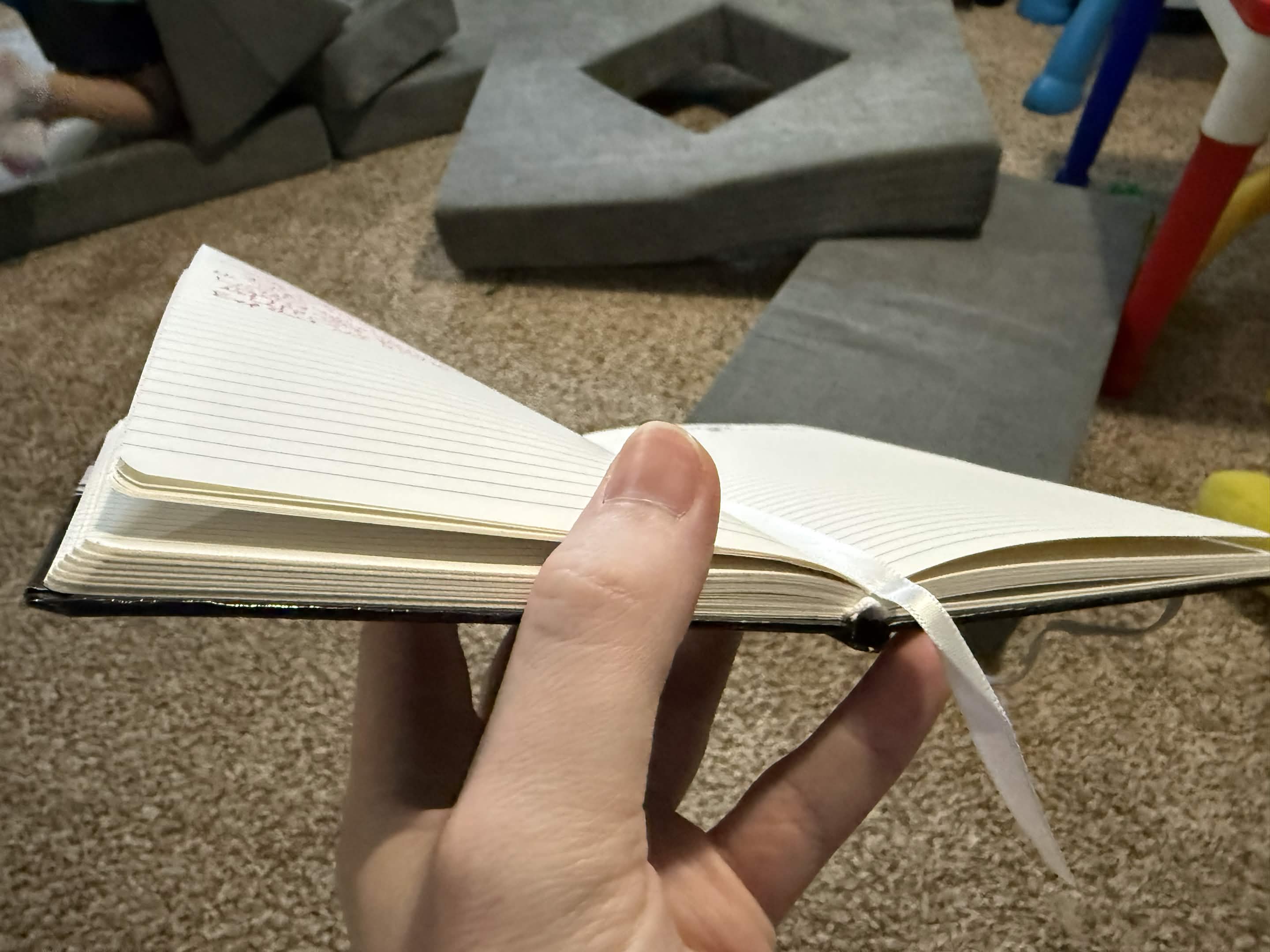
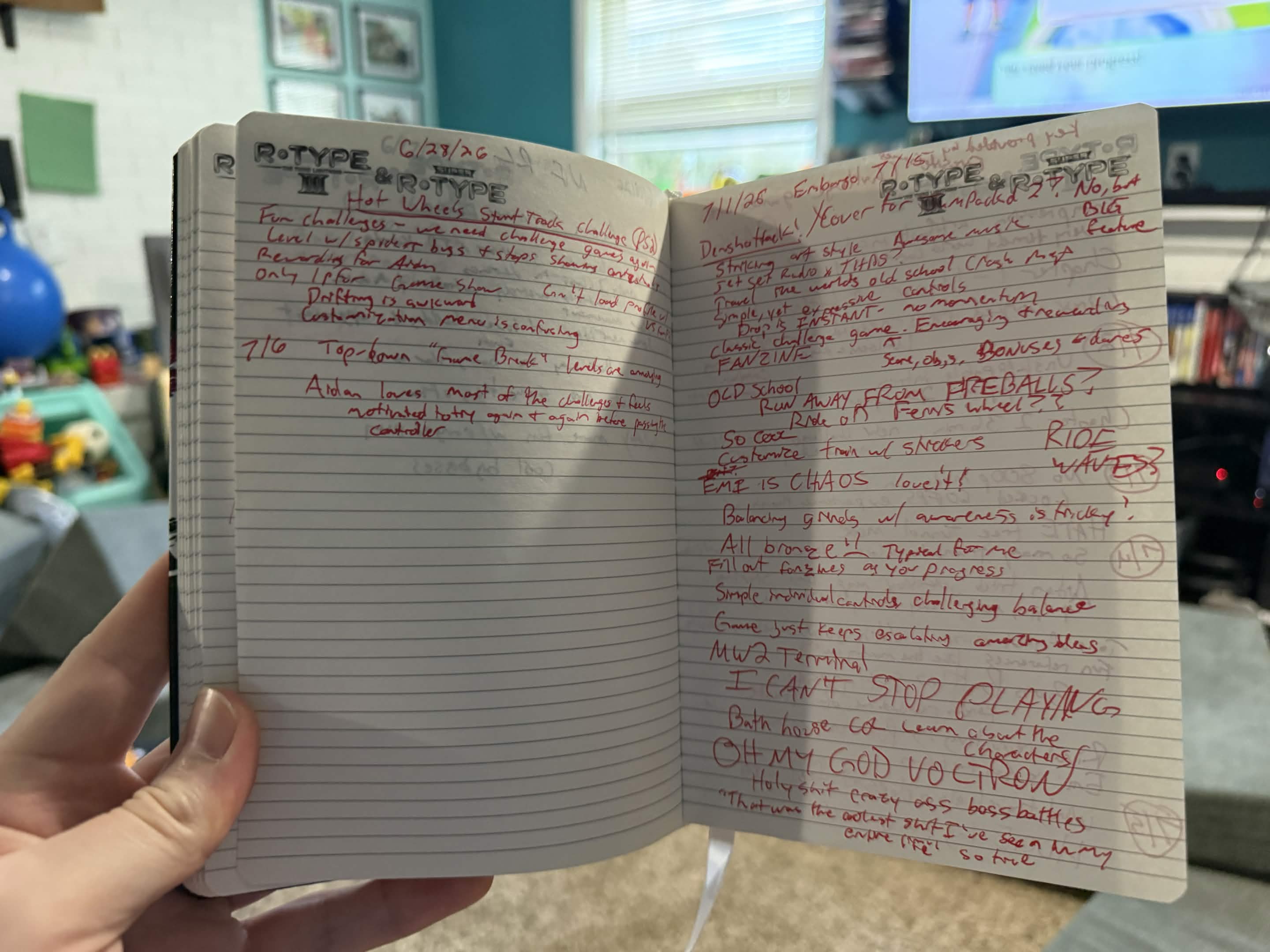
Figured I’d also share: This is my present game reviews/log notebook. I started it in December and am about halfway through.
I take notes on games I try or revisit (working on doing better about taking notes for revisits/long plays - for example I’ve written nothing down during our Horizon playthroughs) including game demos. Very useful for my reviews, but (like most journaling) also just fun to have logs and reflect on them.
But this is all scribbled down as I am playing (or right after) so there’s no spacing for photos or anything.
I want to incorporate screenshots more as mentioned, but as I’m taking notes of playing through Pokemon Let’s Go Evee with my kid, I’m wondering if scrapbooking after the fact really is the move.
that’s awesome, I’ve got a little notebook that is just next objectives for my long play through of Jrpgs, I’ve been meaning to start my own gaming journal to log my thoughts about my games but I keep forgetting to do that. I at least wanna write something down that I can look back on later to see what was going on in my life/head at the time with gaming at least.
Okay crowdsourcing time:
I want one of those mini photo printers that isn’t highway robbery for paper (instax) that could connect to the PC. I’d even accept if it was one of those shitty thermal printers if it could connect to the PC as a regular printer. They’re usually all mobile-only.
After a like 10 min search I found the Canon Selphy CP1500 Compact Photo Printer, It looks wireless and also able to connect via a cord. The printer itself is quite pricey for me at 178 on amazon. It’s paper RP-108 has 108 sheets + ink as well (if I’m reading it right) for $33.94 so I’d say that’s fair for a 4x6 size paper. Now that I’m looking at it I might get it now lol.
Funny enough, I HAD one of these unused in a box with refills and gave it to my sister for graduation. Thought it was redundant with my big photo printer. RIP might be grabbing another.
Oof that sucks but such is life. I’ve been looking at good photo printers for my home because I’m starting to get into photography more so I might pick this up to run with my little point and shoot. Then again I might do the same with having a gaming journal plus screenshots. Getting screenshots off of consoles would be hard/time consuming but I think would be very fulling looking back on the pages later.
Newer ones (with screenshotting built in; PS4/5, X1 and up, Switch) can just copy them to USB drive!
Older ones… yeah you’d need it hooked up to capture hardware etc.
Or just say fuck it and shoot photos of your TV! Why not?
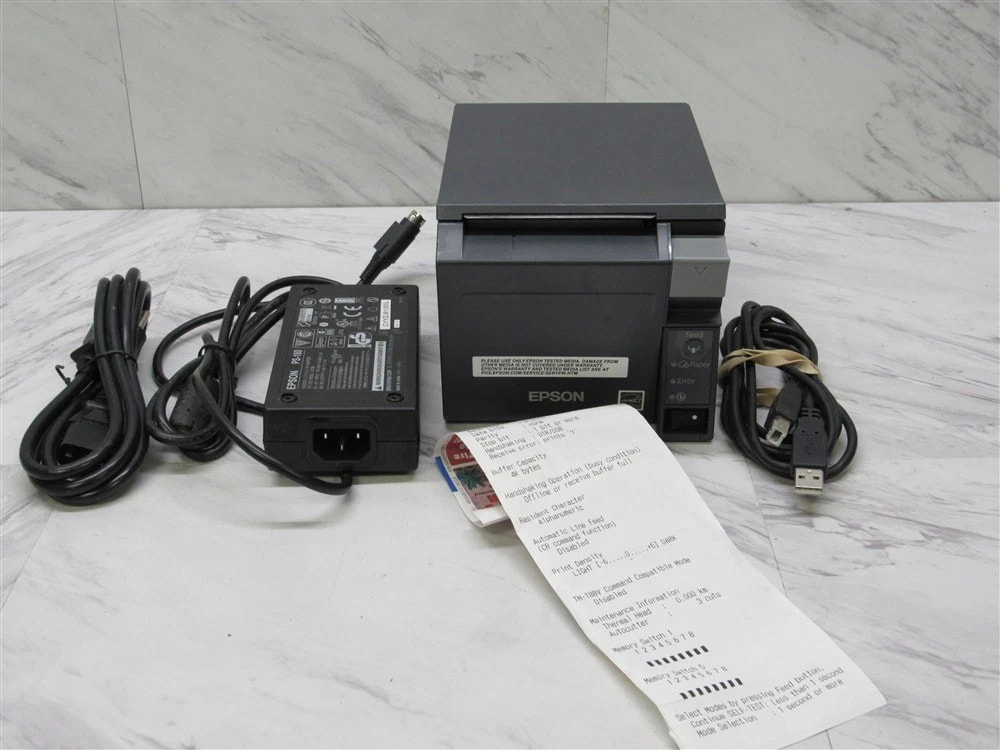
Second update: Selphy isn’t in the budget right now, but I did find a good-looking Epson TM-T70ii that should work fine with Linux etc. Should be fun! Two whole stops of dynamic range!
Also a big fan of journalling here. I have a ‘media’ journal in which I daily log some notes about the books/comics/manga I am reading and the games I have been playing (or movies/series I have been watching). I also write a review about every game/book/… Even the ones I did not finish. I feel this really helps me to connect to a ‘virtual’ library of games. I can always take a look at my previous journal items to discover the games I was playing a while ago.
Very interested to see how this shapes up! Wonder if you can even make it an even more friction-less experience with printing on one-sided peel-and-stick… but probably more costly then keeping a glue stick handy. Either way, incredibly fun rabbit hole! Really excited to see where you land with it— wonder if the solution would also easily save a digital copy as well just in case you want to toss some into a JAMPACK’D release.
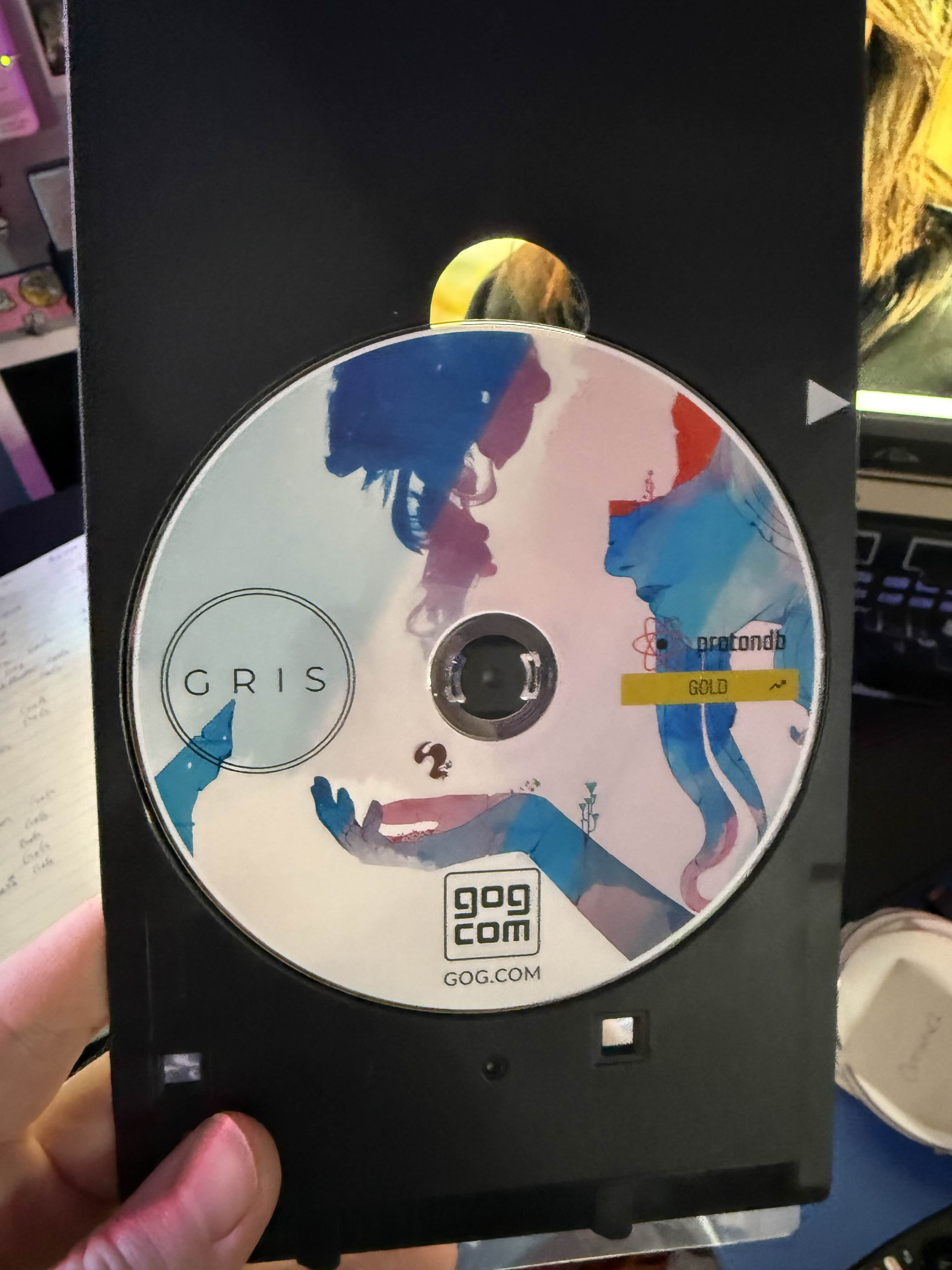
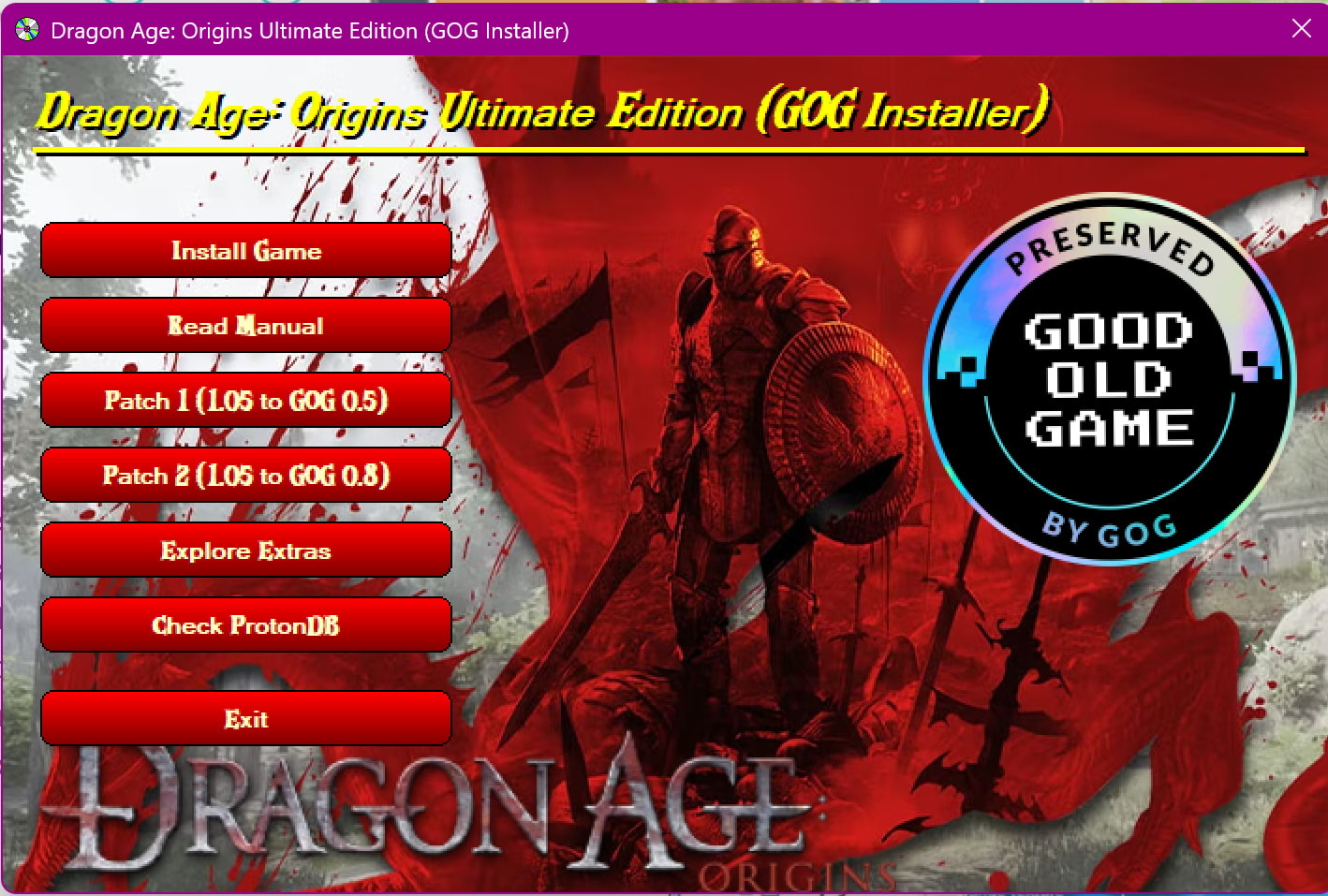
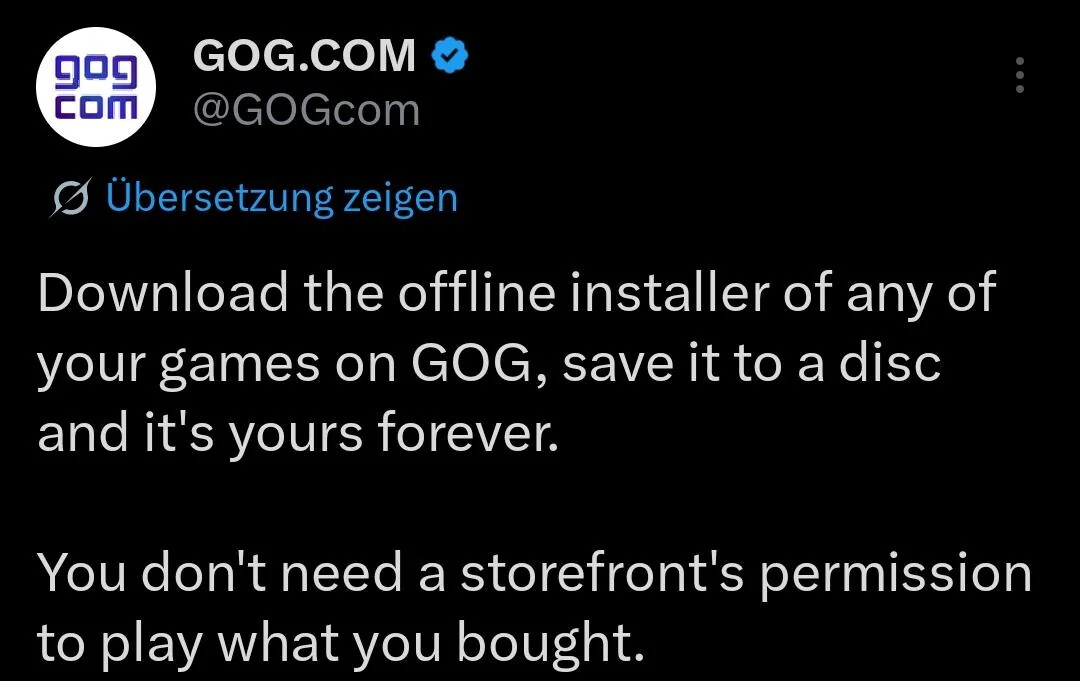
Saw this image/post from GOG, which got me back down the custom casing rabbit hole (I have previously fixated on using cassette cases as game storage for Nintendo handheld cartridges, which is a little in limbo personally as all my 3D Printing needs are done through my Dad, and I don’t personally have a printer handy.) Looks like there is a solid community within the GOG forums that make a whole slew of DVD case artwork for GOG Games. (Steam Covers is an option as well.)
Downloading installers onto DVDs & crafting custom cases could really scratch that similar game display itch. Obviously it’s still a ritual of effort to take digital into physical, but it could be something fun to do after beating a game. Plus, it aligns well with the prior effort done with game collecting, and gives a great excuse to buy games on GOG instead.
In my Denshattack! review today I show the physical copy I made of Denshattack! in one of my binders of GOG games I love doing that!
it’s super slow printing on the discs, but I’m making my way through them.
Only limitation is SUPER big games like BG3 which need multiple 50GB BluRays and stops being reasonable lol
There aren’t “disc labels” for most of the games I did, so I’ve been making my own for each.
Connecting with digital media is indeed a bit harder than creating a connection to a physical game. What has worked for me though, and like @MrJericho also mentions, is taking notes. After each session, whether it’s a big story game or a small session game, I tend to write a log on Backloggd so that I know exactly what I did in a session, how long the session took and when I played the game. When I finish a game, I also write a detailed review for myself. I also use goodreads to do this with books. I’m searching one to log like movies I’ve watched though, so let me know if anyone has any good application for this!
Another thing I want to start with some more is taking screenshots. I mainly play games through Steam and it’s really easy to take one there. It’s a really overlooked feature. I’ve never really used it, but looking back at the ones I have always brings a smile to my face. The idea of printing them is also pretty awesome! I’ve also been thinking about recording some gameplay so I can look back at it afterwards, but have not tried this yet.
Whether it’s physical or digital, my “main connection” with it to say so is usually related to nostalgia. While I’m playing/watching/reading something, the connection usually is there (depending on whether how much I like something of course) but I feel like the connection/bond is always a lot bigger afterwards, which to me shows the power of nostalgia. F.e.: I used to listen to like NCS and TheFatRat etc. during my time playing TF2 and CS:GO. Back then, I really liked this music, but I was never as connected to it as I am now. When I listen to those same tracks now, it always hits way harder than back in the day.
Nostalgia is something really powerful, but I always try to not overdo it and try to always create new memories so I can get the same nostalgic feeling about the present in a few years as the feeling I get about the past now.
 I love doing that!