Frustrating update on this front.
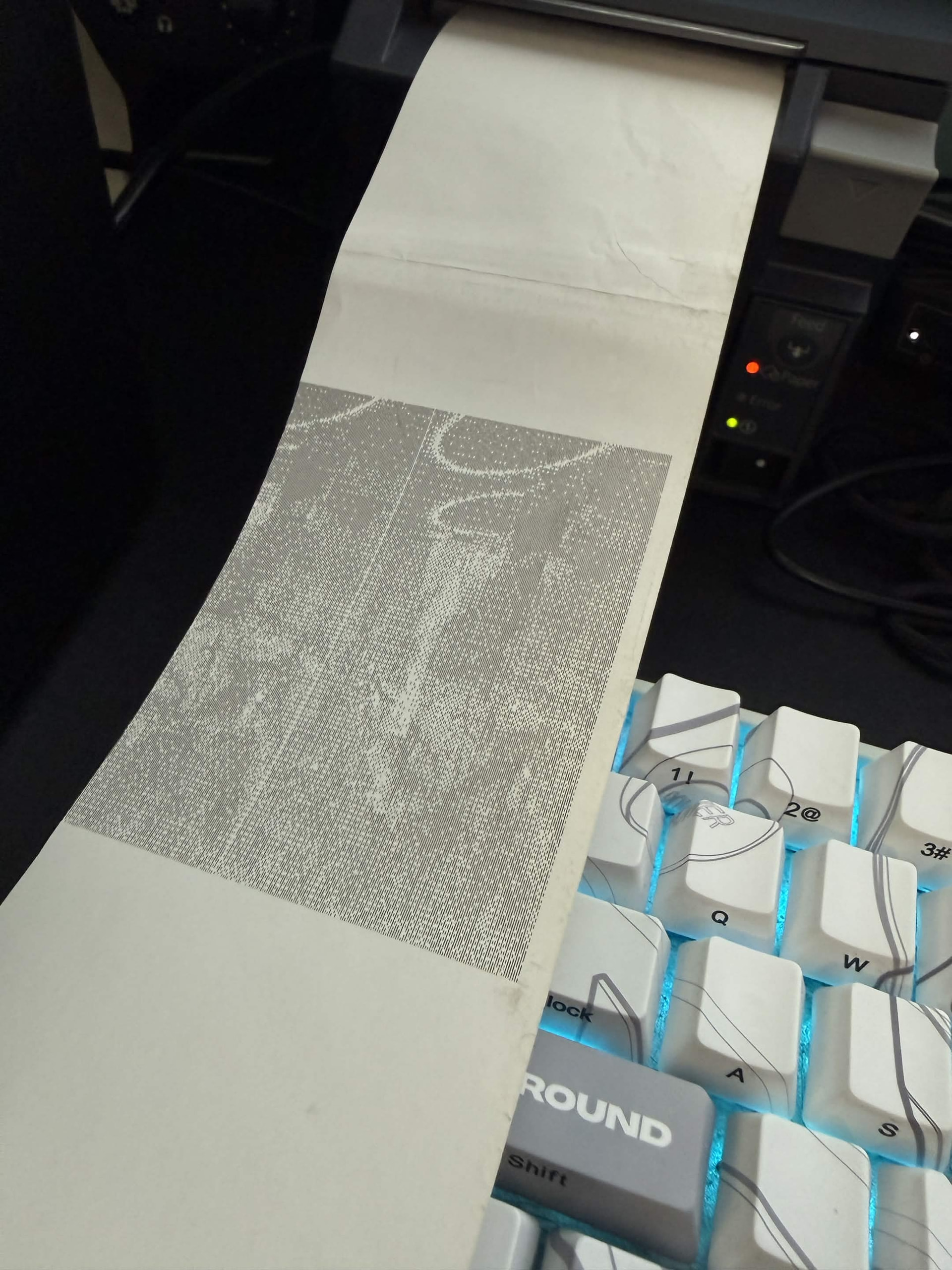
Got my Epson Receipt printer in. Gap in my (and those who recommended it to me) research: The ESC/POS printer type only prints text characters.
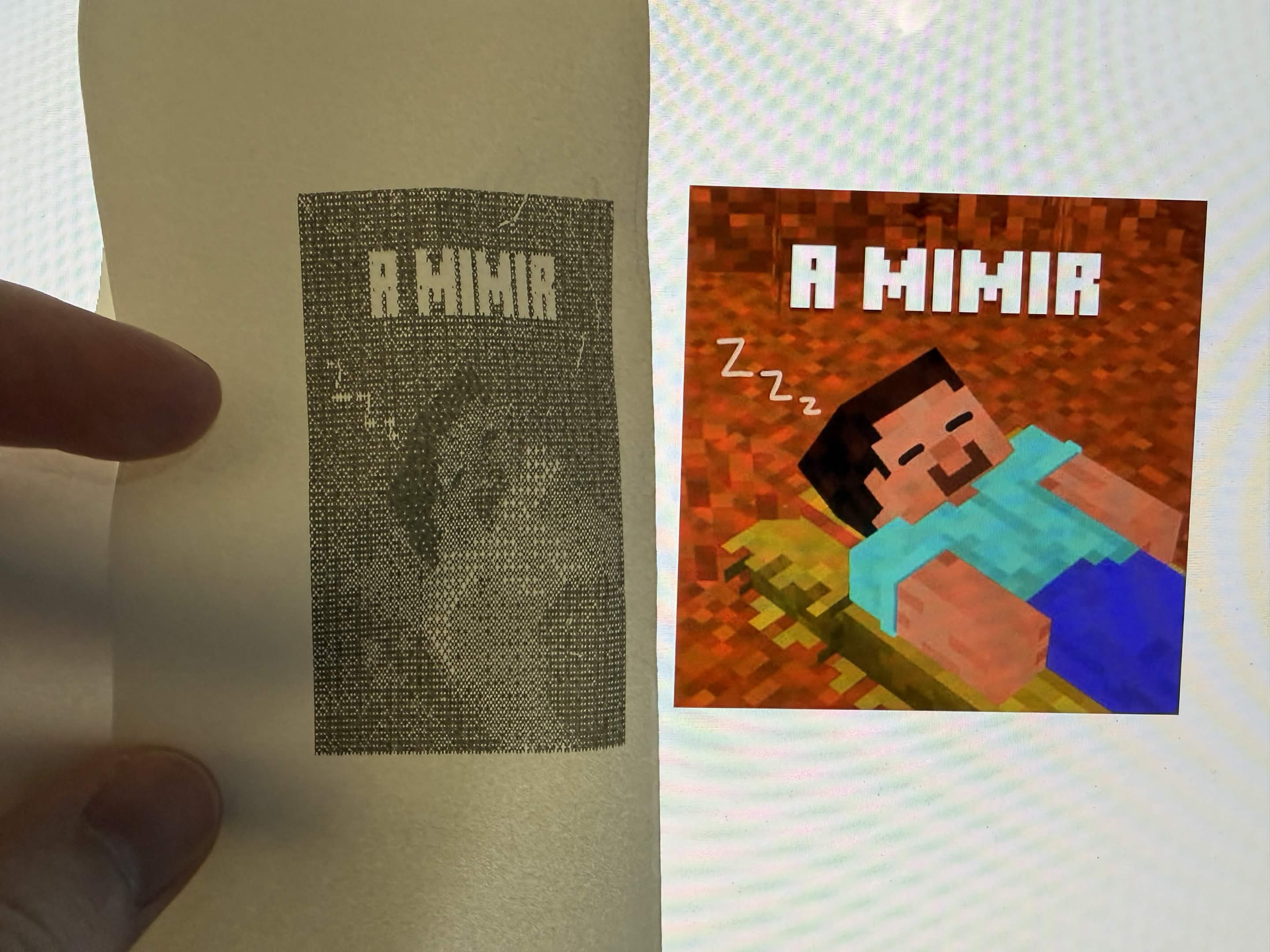
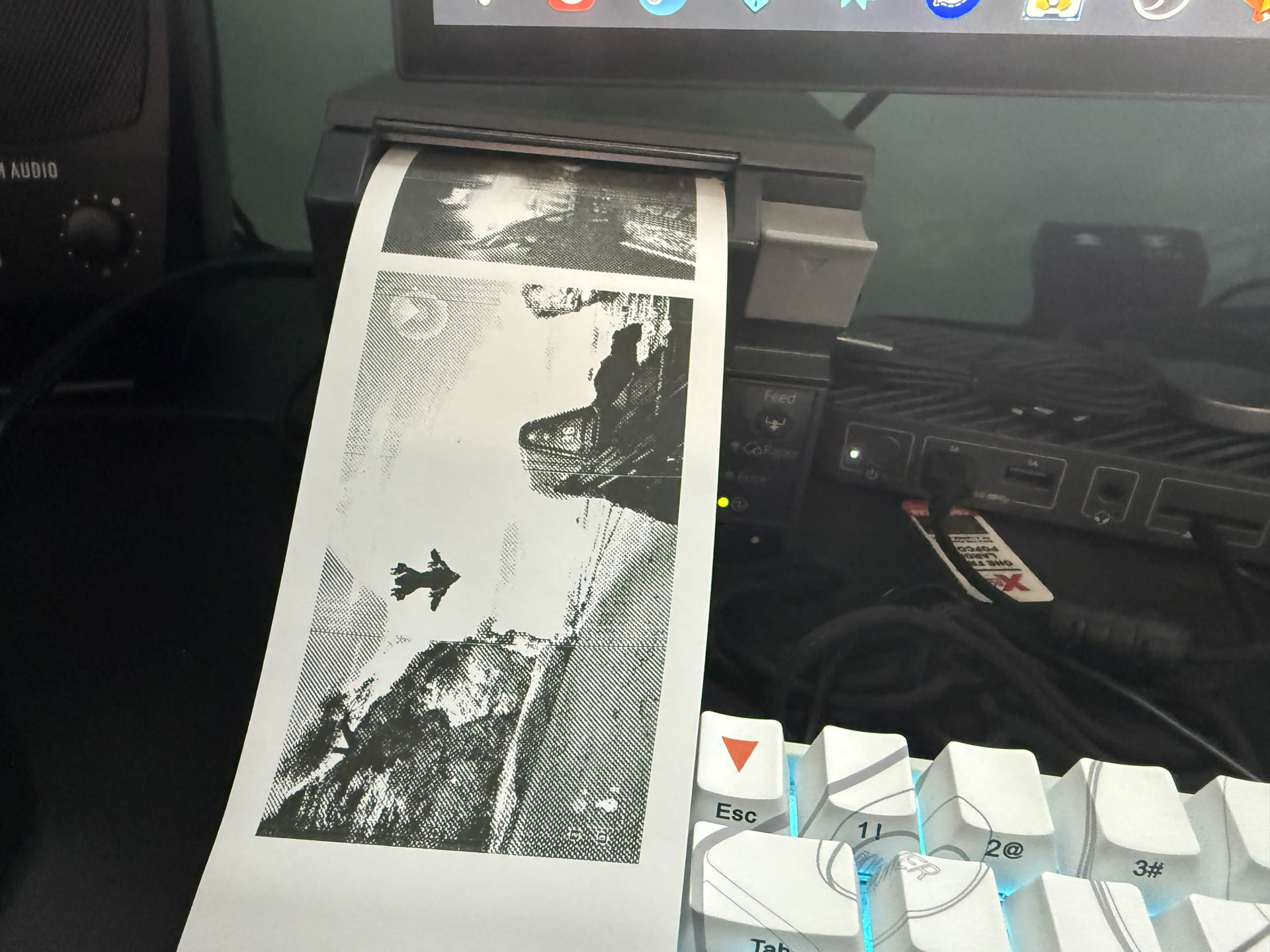
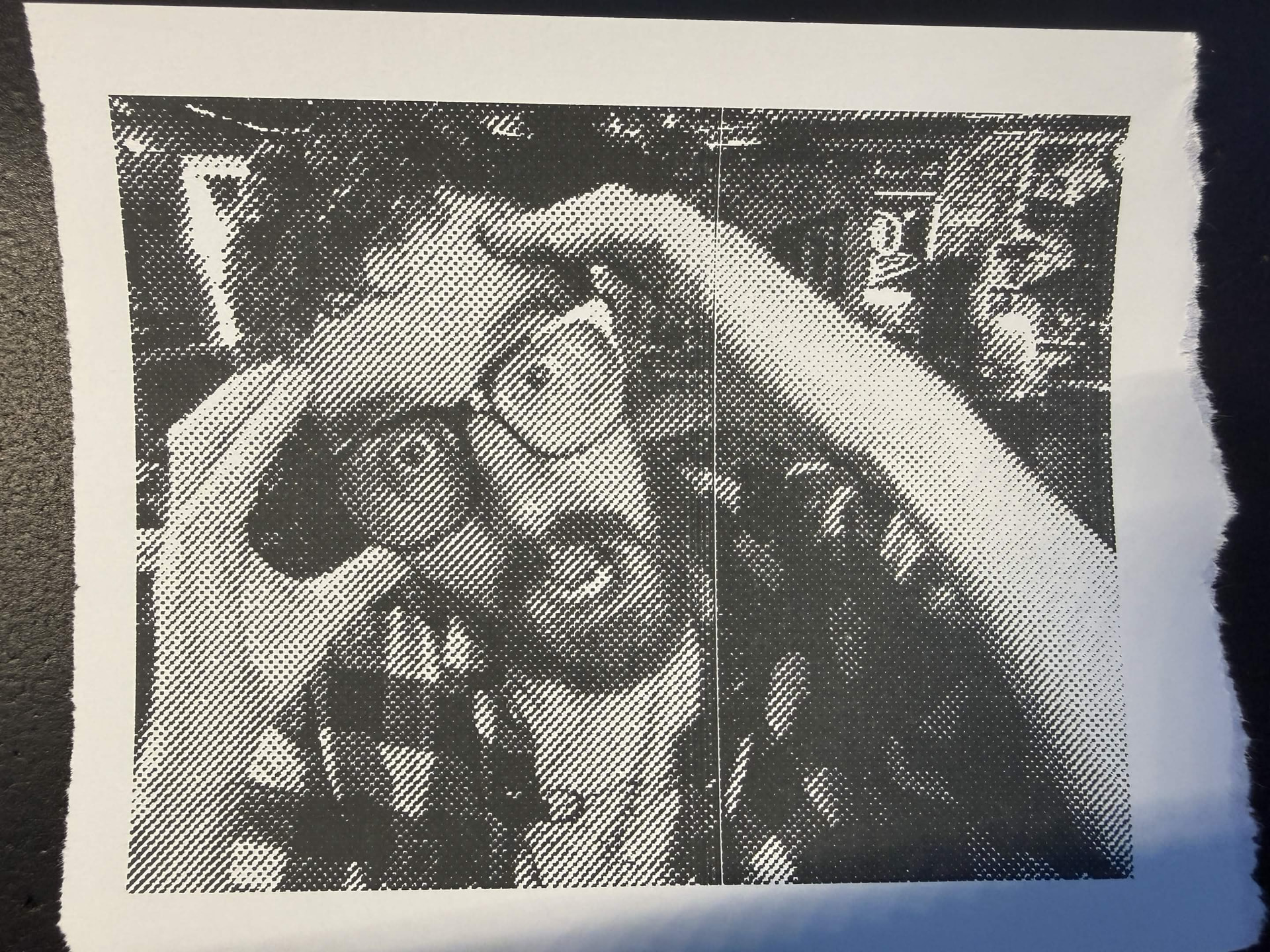
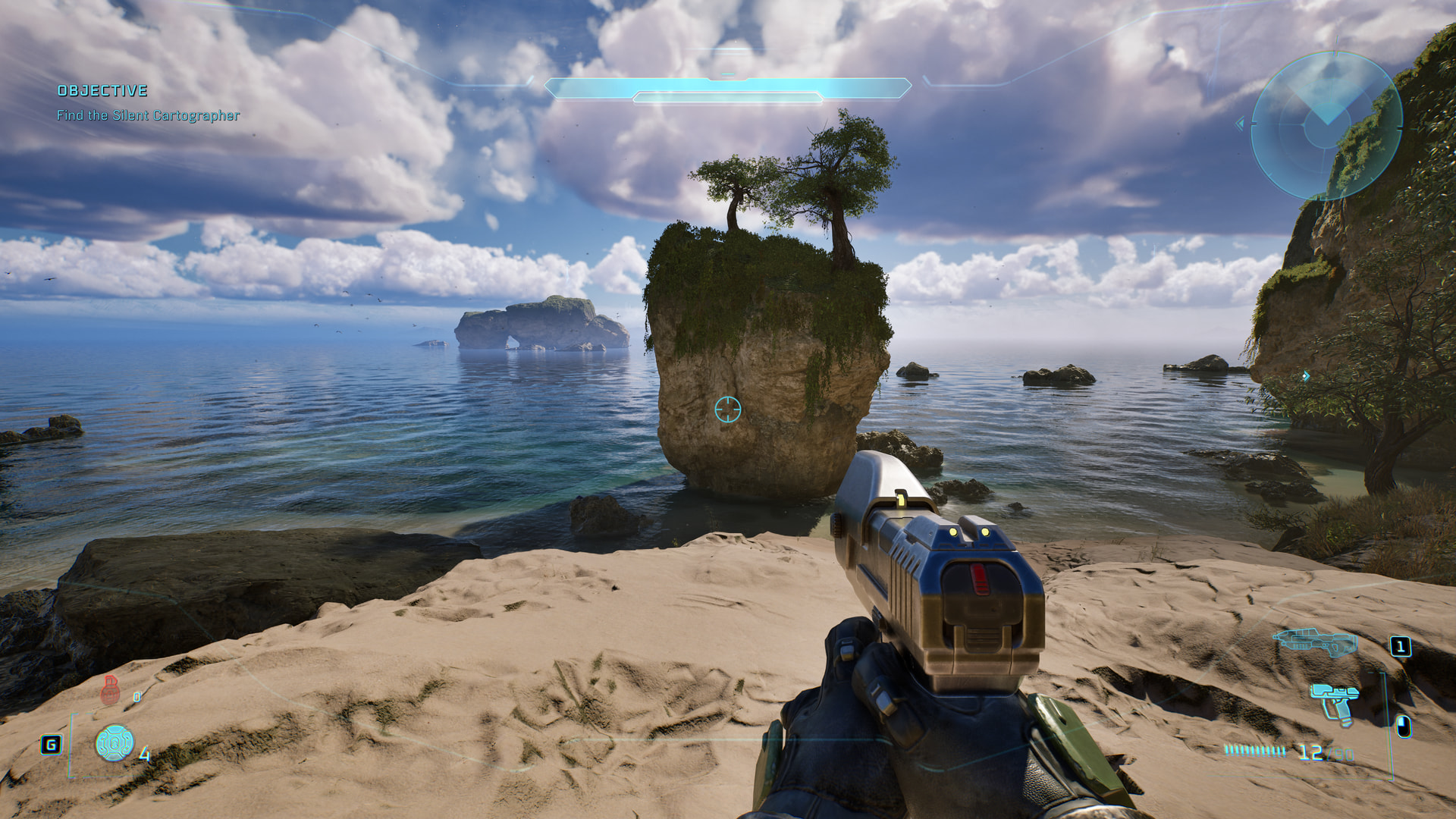
So while I COULD convert my screenshots to ASCII art… broadly speaking they won’t really be coherent.
Example:
::::::.:+=-:..:-+******+::=*************+-::   .:-=:    .:   .. ...::::::.... ::::::::::.::::...::
===-::::::::....:=+=--:  . :=*+====-=+**: .:.   ::-:      .::::-:::::-==-:.   :.::::--::.:-::::=*@
=====-::::::..:.  .::::.  ::-==:--: :=-:::::.  .         :::-===-::-======:  ::::------=:===++*@@@
+*****+===:::::.. ..:::..  .:===+===-:::::::.:::.......:::---=====+++++===-:::::-==========*#%@@@@
*********+===--:::....::..   .==---=-:----:...::::::::::+%#++++********+========+********+*%%@@@@@
*****===--=+=======:::::..:.  :==:::=====-::-:::.::::==#@%@%************==++****####******%%%%@@@@
%%###########***+++====::. ..:===::-++++=--===-*@@%%%%%@@@@%***********+*+=+*************#%%%@@@@@
########*##########***+==::. .:=++==+++++====-. :#=+##%@@@#***********+=+++++***********%%@@@@@@@@
********+=====..:-++===-=:..:=+++=++======-=+@%%*@*==::=%-:---============+===========+@%%@@@@@@@@
:...::::..:::.....  .     .       .:. :-:  =@@@@@@@@@@@@@%:::  .:  . .. .:: .. ::::.. +@@@@@@@@@@@
++++==-::::::===-==---:-===:::: ...    .:  *@@@@@@@@@@@@@@@*     .::. .     .:.  .. .#@@@@@@@@@@@@
++================---====------***#%%%#*=. +@@@@@@@@@@@@@@@*             ...........+@@@@@@@@@@@@@
************+*++++++++++++==+++***+****+*+-*%@@@@@%%%%%@@@@#.    ..................:*@@@%@@@@@@@@@
****************+=+++=++++++===########**=::#%%%%%%%#%@@%%%#=%=:::::--=+*=----*#@@%*%%%%%%@@@@@@@@
****************+++**********************+==*%%%#%%%%%@%%%#==========++**=-======++=+%@@@@@@@@@@@@
##%@@%********#**++*************#*######**++%%%%%%%%%%%%@%+==+==+******+=====+++*****#@@@@@@@@@@@@
@@%%%%##*******####*****##****##***#*####***%@@@@@@@%%%%%%*#%%%#**#####***#****#%%%#*%@@@@@@@@@@@@
@%%%%%###**##%%%%##%%%%%%%%%%%%%%%%%%%%%###*%%@@@@@@@@@@@%#: -@#**###**##***%%##%%@@@@@@%#*%@@@@@@
@%%%%%%%%%%%%%%%%%%%%%%%%%%%@@@%%%%%%%@@@@%%@@@@@@@@@@@@@@%%**#%#%%*######%%%%%%%%%%@@@@@%%%@@@@@@
%%%%%##%%%%%%%%%%%%%%%%%%@@@@%%%@@@@@@@@@@@@@@@%%#%*#%#*@@@@##*%#%%%#######%######%%%@@@@@@@@@@@@@
###**@@@@@@@@@@@@@@@@@@@@@@@@@@*+==--------::::-::::--::=%%%%%%@@@@@@**#%*+++**+===+****%@@@@@@@@@
###%@@@@@@@@@@@@@@@@@@@@@@@@#=-----------=::::-------::::=*%##@@@@@@@@+-----=-=-==-======----==+*#
@@@@@@@@@@@@@@@@@@@@@*-=-:---===--=---::-:::----:-::::::-+*%#*@@@@@@@@+----=======================
@@@@@@@@@@@@@@*++=-----::::::::::::::-::-::::-:::::::::+@@@@@%%@@@@@@@=--===*++****###*******%%%*+
@@@@@@@@*==%%=====---------------==--====+*======::::::+@@@@@@***%%%#*-::+***+==**%#*%%%%%%%@*@@@@
@@@@+==+=-=----------==+====+=======+==+=====++=+=-:-+@@@@@@@@@@@@@@@*=+==**@@@@@@%*+=+*=-=%@@@%@@
*===----------====+*+=+*=++==---=======+*===****==-=%@@@@@@@@@@@@@@@@@***====-=++***%@**+==*%%%***
==+#=+=-==*%%%****++==-=======--==-*======-==-==-:-*@@@@@@@@@@@@@@@@@@@@*#+=----=+=--=++=*=======+
%#*++++++%%*=*==============-=======-===----===-::-%@@@@@@@@@@@@@@@@@%*%@%%@=------=======+++++===
=*+**==+============-----==------=====-=----==-:::=@@@@@@@@@@@@@@@@@@@@%**#%*===============+=++**
Also I spent $32 at Staples today only to accidentally get normal paper rolls, not thermal paper rolls… Don’t feel like dragging my kid back there today, but hopefully they’ll let me return it. Ordered some thermal rolls online - I will still have a lot of fun with this printer for journaling and other creative projects, but… sadly not this project.