How to follow my videos/posts here to stay up-to-date without an algorithm
(aka how to turn forums categories into RSS feeds!)
So, it turns out any Discourse (the forums software I use) category can be a RSS feed.
Step 1: Find the Category you want to follow
I have moved my video listings from their more relevant categories to the Meta categories, per each channel (Meta > Lost Saves Meta > Final Draft and Meta > EposVox of course - I will add more should they be relevant) so they stay perfectly organized. I’m also tagging them with the channel name.
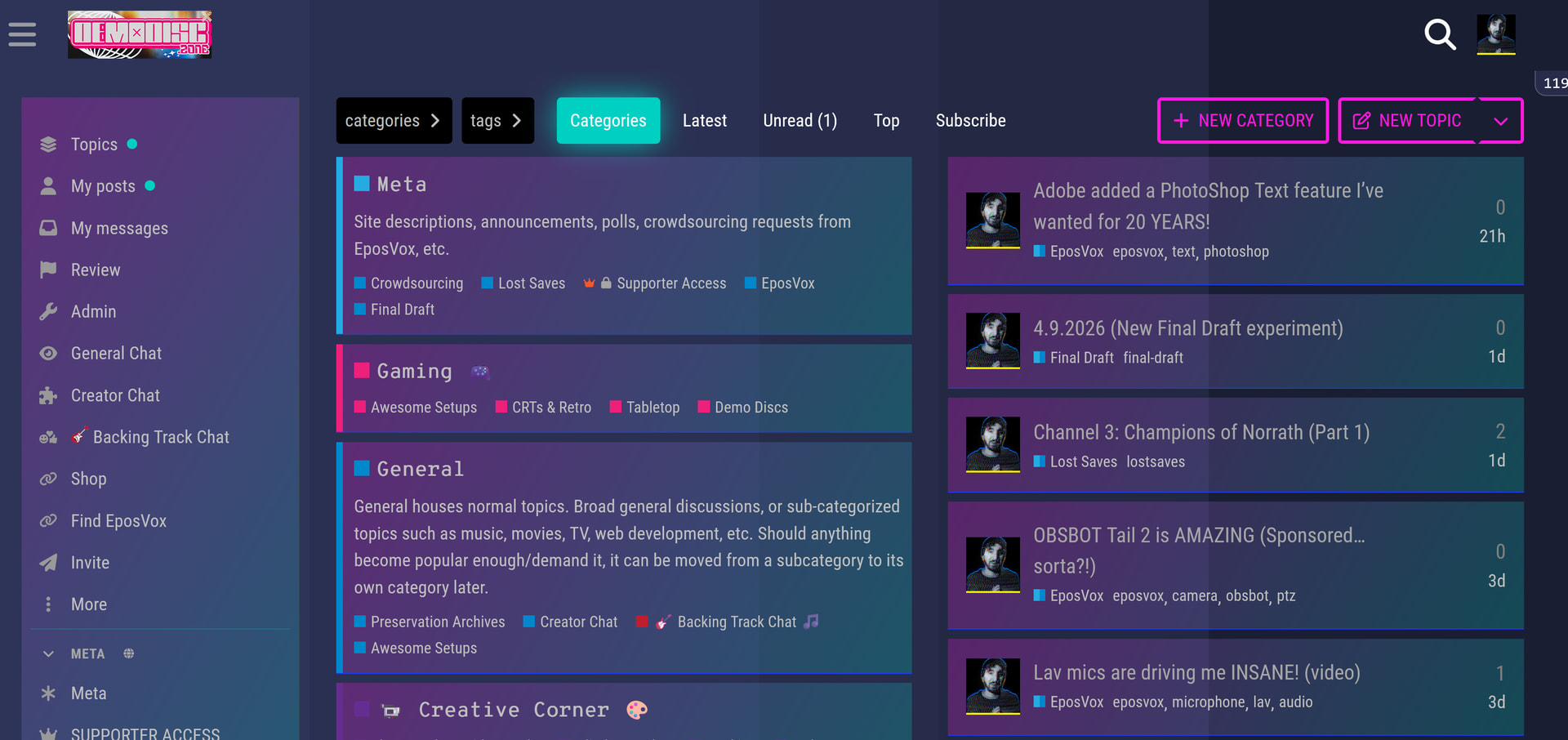
Navigate to the Category you wish to turn into a RSS feed. For all of my videos, use the Meta Category, otherwise choose one of the given channels.
Step 2: Delete anything after the category name and add “.rss”

So in this example for Meta > EposVox just delete the “/32” and add “.rss” to the end. This may trigger a download of the .rss file in your browser, but you can take that URL and add it to a RSS reader.
Step 3: Add the .rss URL to your RSS reader
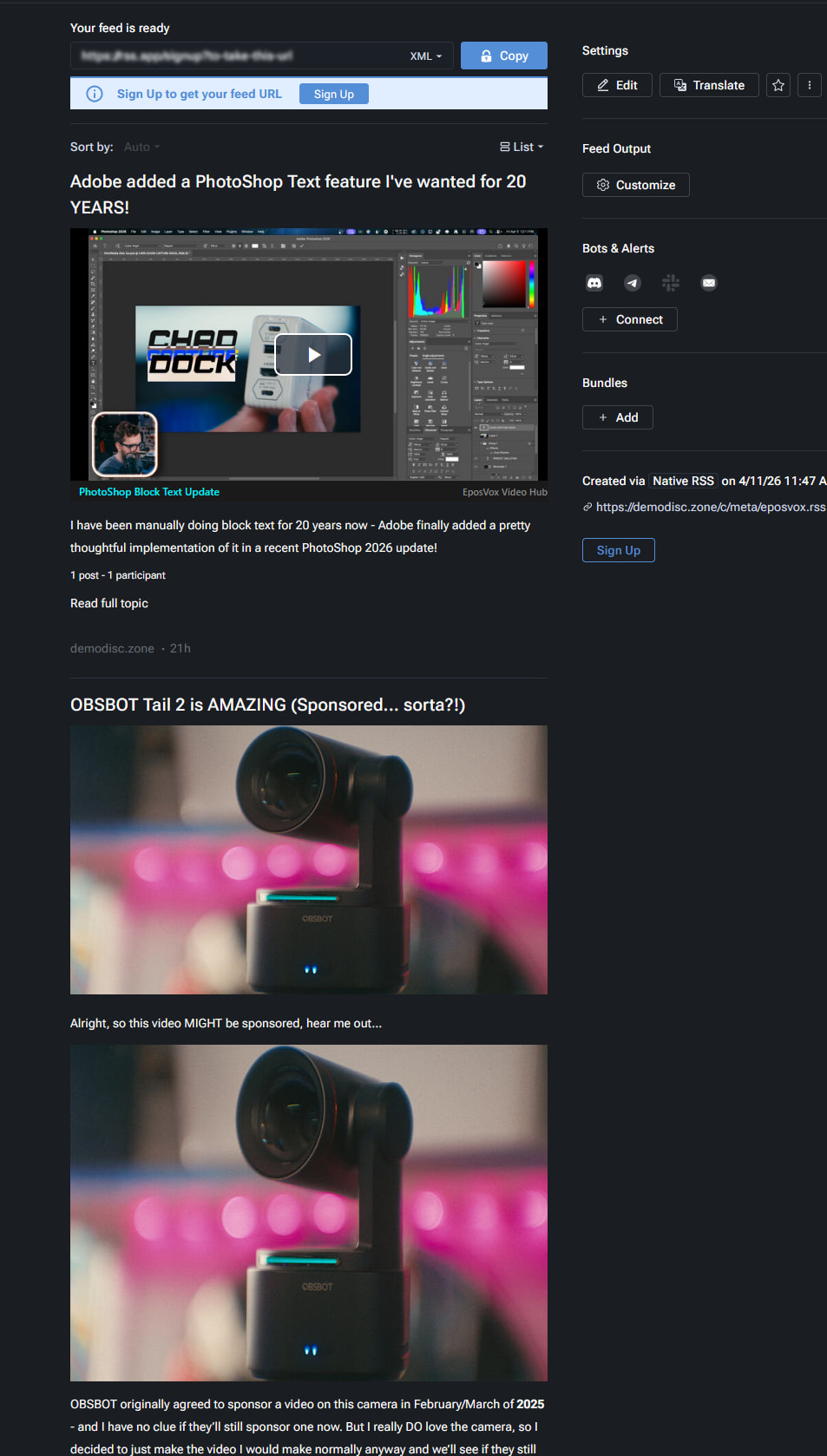
As a quick example using https://rssviewer.app/ -
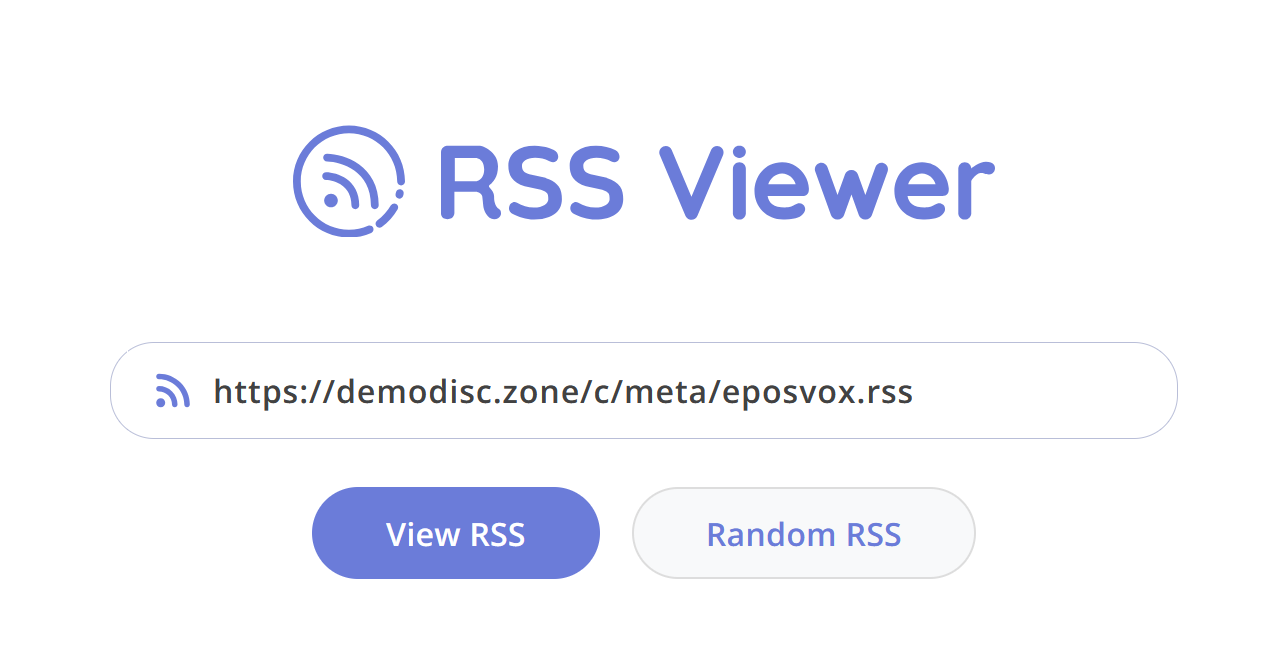
This gives you a feed of posts of JUST my EposVox videos!
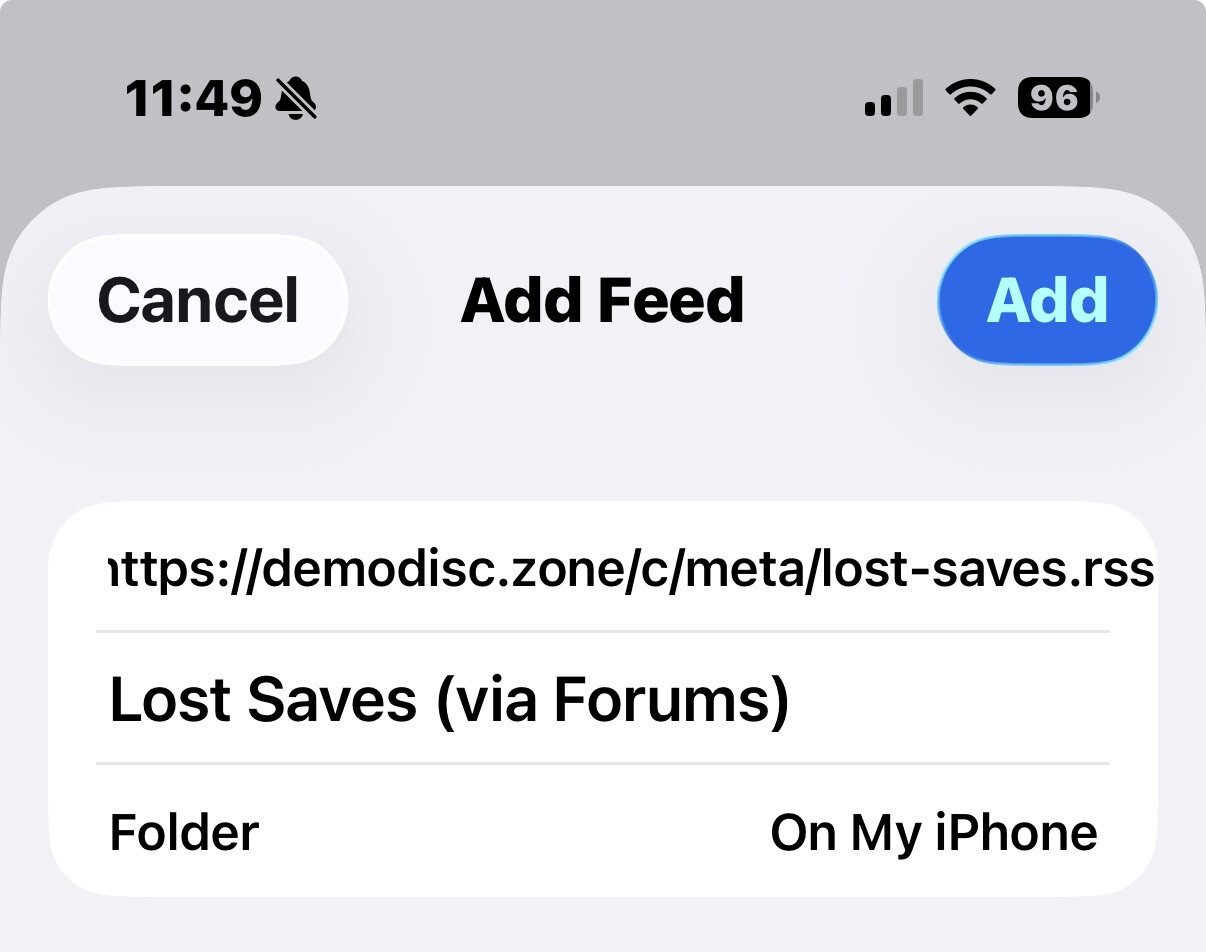
Similarly, via NetNewsWire on iOS:

I know this was requested when I announced moving my stuff to the forums, so I wanted to make sure I showed you how!
Thanks for all the support! Consider signing up as a paid subscriber to help me keep the lights on!