Requirements
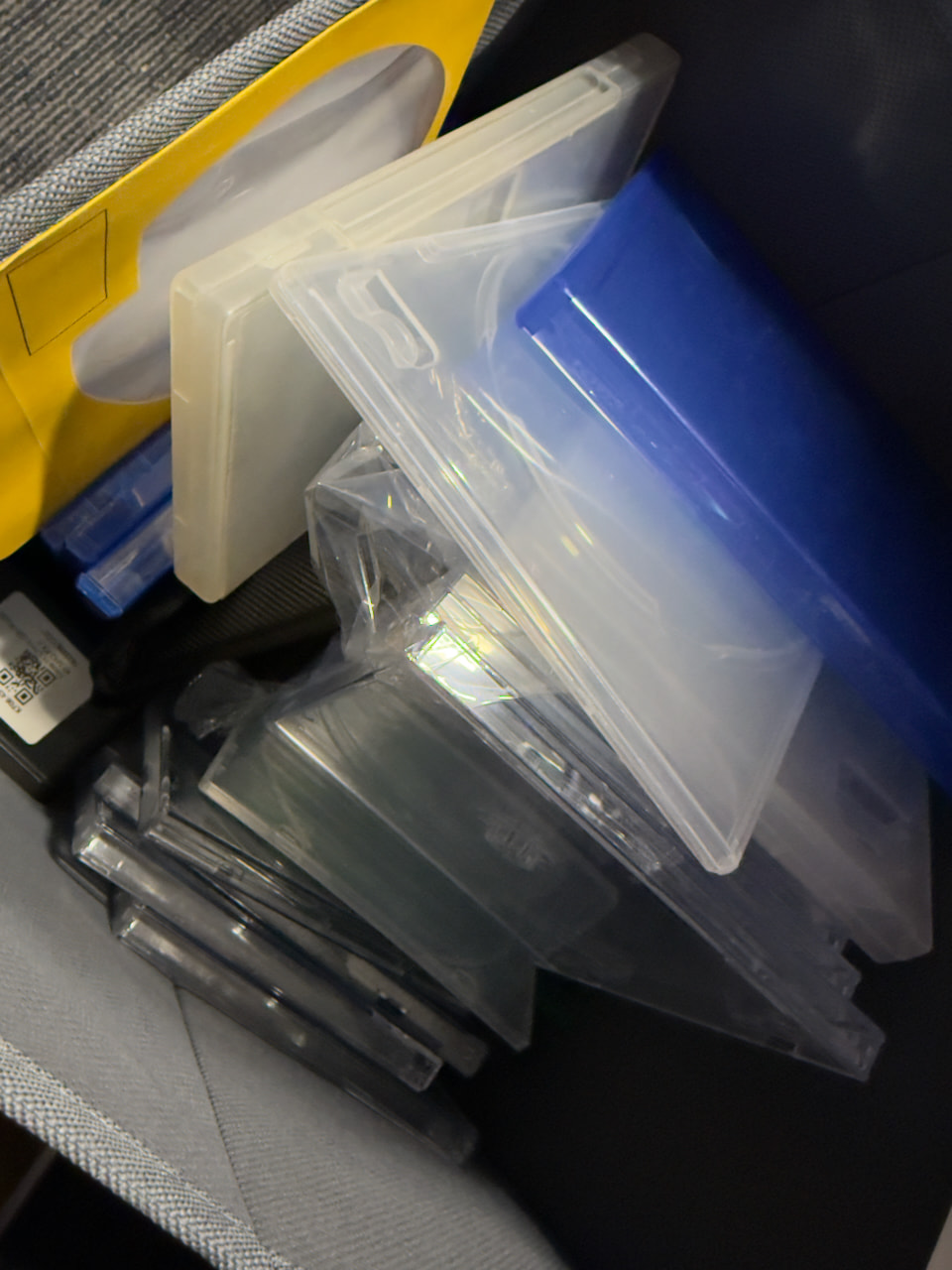
Here’s a general list of tools and materials you might need, though you can certainly sub out some of these:
• Disc Binder, Sleeve, or Empty Case
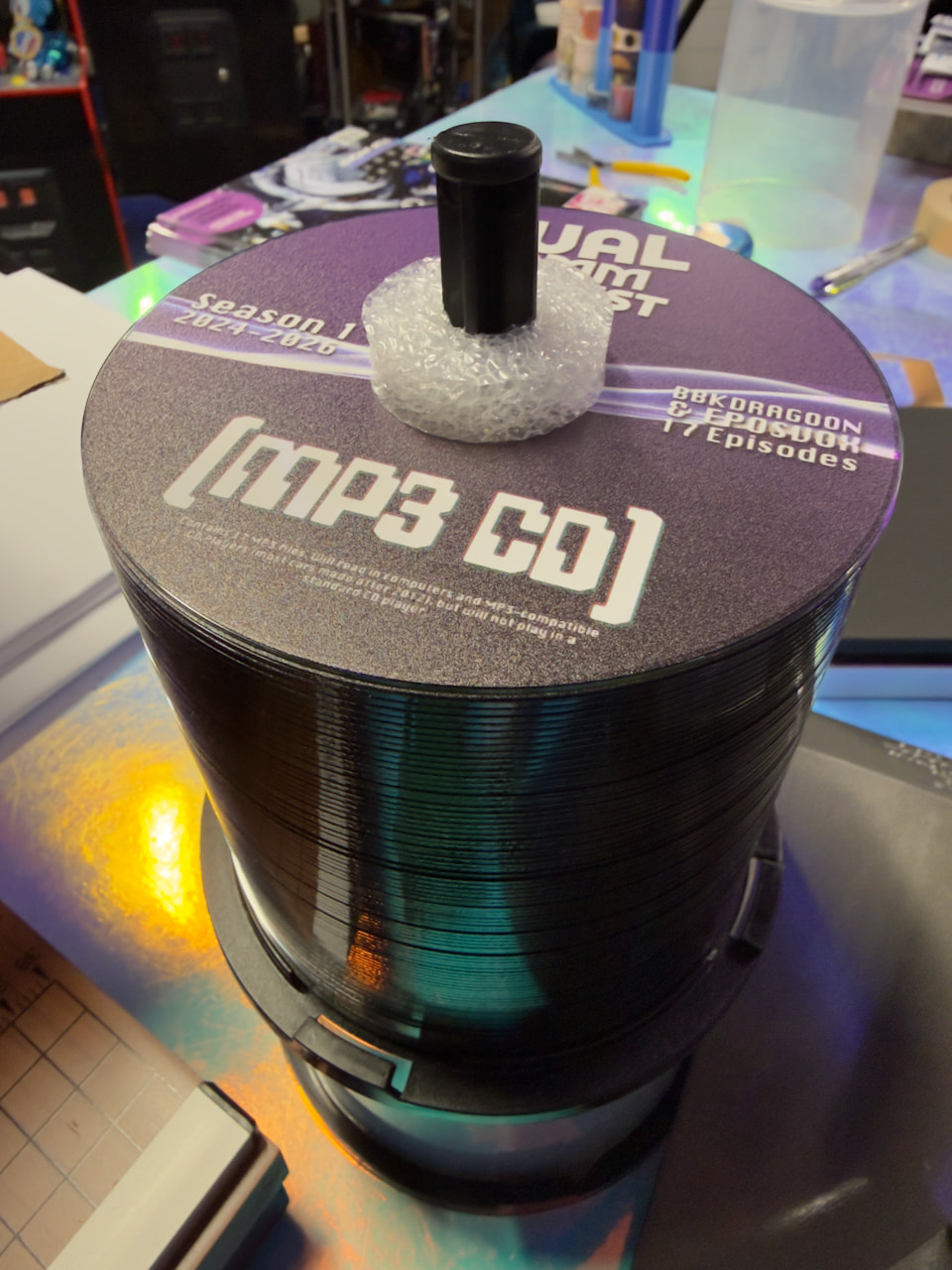
• Disc Labels (or printable disc)
• Disc (CD, DVD, Blu-Ray – depends on the size of your game)
• Paper
• Printer (Optional, can possibly use your library or local print shop)
• Design Software
• Disc Menu Software (optional)
• Disc Burning Software
• Disc Drive – capable of burning the specific kind of media you intend to burn
• Template Files (optional; linked below as we go)
• Image Files (relevant to the games you’re using)
• Design Skills (optional)
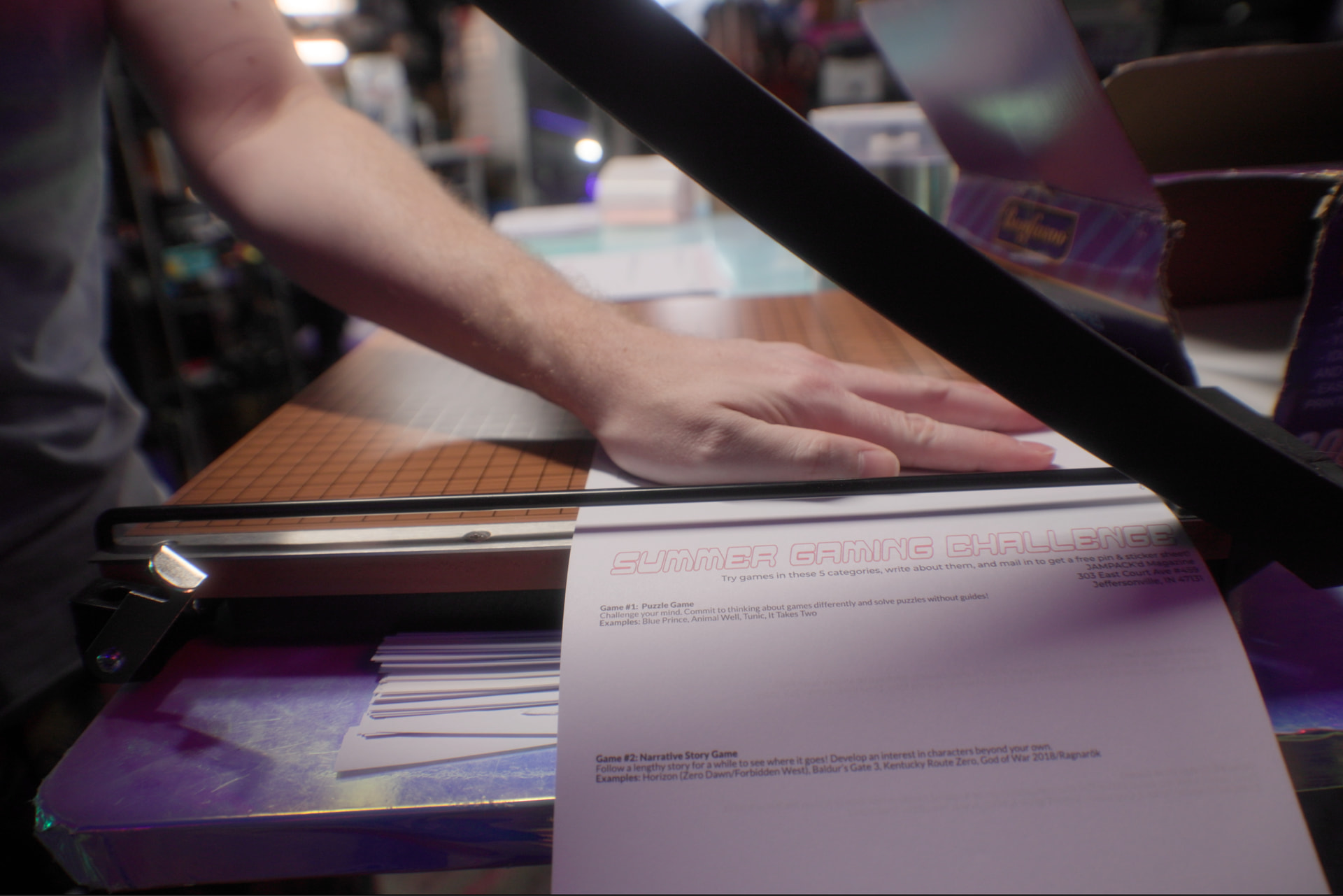
• Scissors or Paper Cutter
Considerations
For any given game you want to make a release for, you need to consider how you want to make it before you jump in. Do you want a disc? A flash drive? Or maybe it’s better to just make some art, a craft, get a standee or toy or something as decoration instead.
Disc Choice
• CD-R – 750MB
• Mini CD-R – 215MB
• DVD-R – 4.7GB
• Mini DVD-R – 1.4GB
• DVD-R DL – 8.5GB
• BD-R – 25GB
• BD-R DL – 50GB
• BDXL – 100GB
As far as discs go, you’ll need the right disc and burner for the size of game you’re burning. CDs only hold up to 750MB which is not much by today’s standards – though there are some good games I’ve played recently that fit on CD. DVDs hold around 4.7GB of data, with Dual Layer DVDs holding around 8.5GB. Blu-Ray Discs can hold 25GB, with Dual Layer BDs holding 50GB. There’s even 100GB Blu-Rays, but those are very expensive and not always compatible with all drives. You will need a drive that burns the newest media you have. A DVD drive will not burn a Blu-Ray and there’s no hack or trick to get around that. Different lasers and hardware and everything. However, newer-format drives are almost always backwards compatible with older media (HD DVD excluded) so Blu-Ray drives will burn DVDs and CDs, as well. If you are planning on doing Blu-Rays, do make sure you get a burner and not just a drive capable of reading Blu-Rays.
You also have the option of using the mini CD-R/DVD-R discs (GameCube Style) for a fun creative project that possibly takes up less space, but they hold less data than standard-sized discs.
Rewriteable CD-RW and DVD-RW discs are available, and might be a good choice if you think the game might see updates or additional content added that you’d want to include. But these tend to be less reliable in the long-run, so you’ll have to decide if it’s worth the risk.
Next, consider how you want to store or display these burns. Do you want a case? If so, a jewel case like a CD or PS1 game, or a DVD case? Maybe a slim DVD case to save on space at the cost of not being able to read the spine as easily? Or maybe a Blu-Ray style case like PS3 games? Or perhaps you just want these for backup and usage and a cool disc binder would suit you just fine.
Hell, you can even design and 3D print your own cases! The possibilities are literally endless.
These are choices you have to make, I cannot make them for you. But I will walk you through my choices and decision-making for my examples here.