Nearly an entire year after purchasing my AYN Thor, I’m finally starting to get real use out of it.
These Android-based devices, emulation gadgets, alternative handhelds, etc. always present as the “ultimate gaming machine” but usually stand as a massive example of “tinker town.” They require a lot of fiddling to get set up, a lot of updating and fixing along the way, and aren’t ever an accurate experience.
But oh man, the screens on this thing are beautiful and when it’s running, it’s hard to argue with it.
I showcased my unboxing of my AYN Thor back in November in the algorithmic failure that was the first episode of the not-live JAMPACK’d show (which I promptly stopped making and would eventually turn into the magazine lol):
[Timecode: 08:51 ]
Since then, I set it up and got a bunch of emulators set up and managed through Obtainium (to make downloading and updating easier), got stuck down the rabbit hole of finding (right as Myrient shut down, RIP Myrient) and decrypting 3DS ROMs, and proceeded to not play anything.
I got it booted up over the weekend and ran updates via Obtanium, but ran into some issues: MelonDS was giving me an ID failure issue, which required me to just uninstall the emulator and re-acquire it by feeding the Github URL for melonDS-android into Obtanium, and the Eden emulator refuses to update at all.
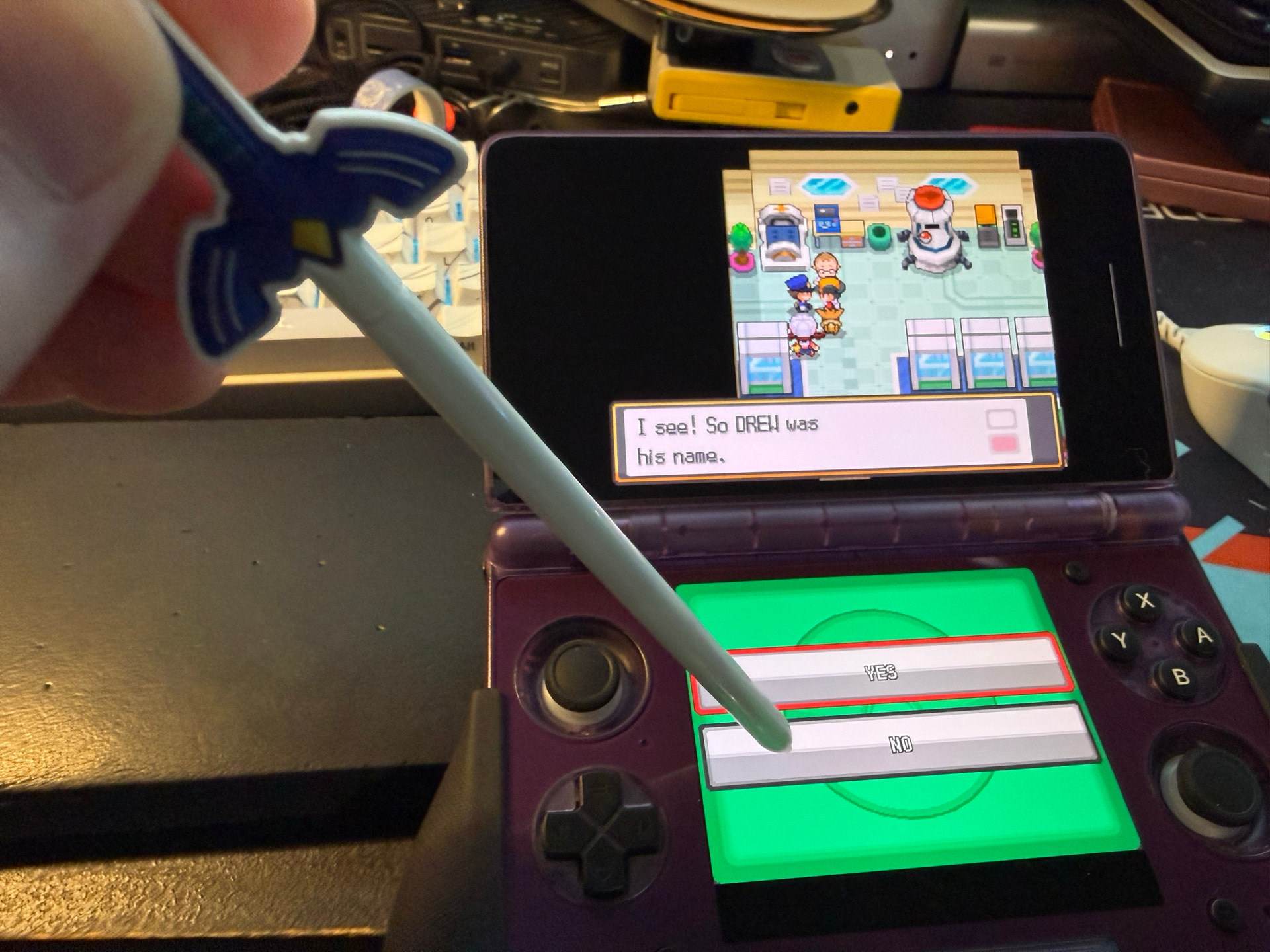
I had also swapped my kid from my sister’s DSi XL to a spare 3DS XL I have so I could share more games with him. I have too many handhelds so the 3DS was never going to be used (I have at least two others), and I will now get to experience the supposed “much better” screen and scaling for original DS games that people keep talking about. More on that once I get to experiment with it. With that, he got a case for the 3DS and such, and wanted some patches on the case, so I got my case all patched-up, too!
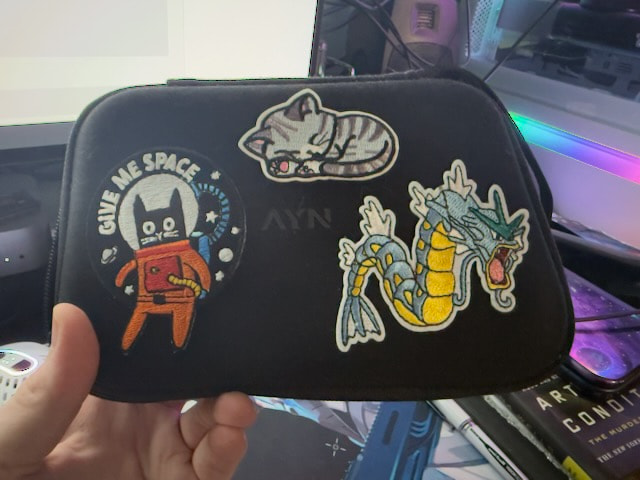
By making it my own, I feel more attached to it and more invested in continuing to use it.
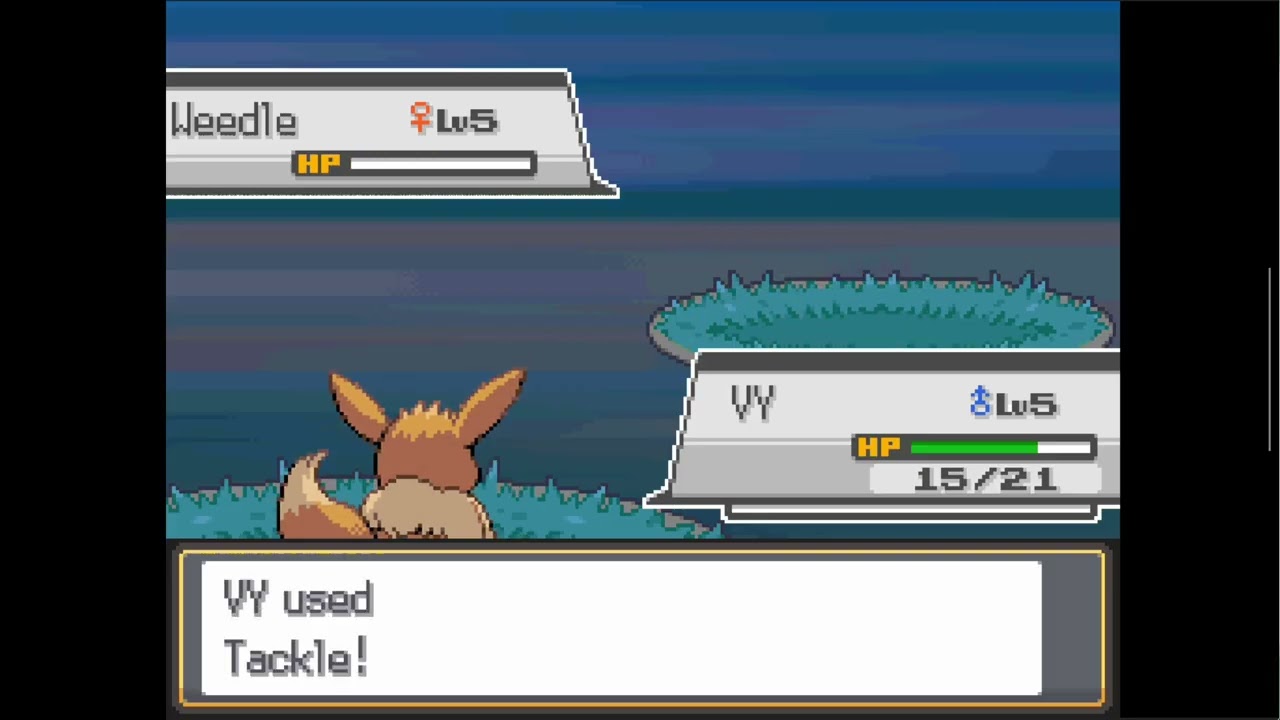
From there, I acquired and set up a Pokemon ROM Hack I’d been wanting to try: Pokemon Sacred Gold & Storm Silver (hacks of Heart Gold/Soul Silver). This is from 2012 but I’ve somehow missed it until now. It features newer generation Pokemon, moves, types, etc. put in here, some minor story changes, etc. and seems like a lot of fun and a nice challenge. Conveniently with this 3DS shift, my kid is also taking on Soul Silver, so it felt like good timing to play alongside him.
Getting the ROM hack set up proved to be its own challenge, however. For some reason, the modders provided the patch files as “.patch” files, with a copy of xDelta for Windows provided alongside it. These files are usually “.xDelta” formatted or IPS/LIPS/etc. patches, not a “.patch” file. Since I’m on Linux, I sought out a Linux-native Delta patcher - which, of course, was readily available on Flathub. Unfortunately, it refuses to accept the “.patch” files. As did every online ROM patcher tool I could find.
Thankfully I was able to run the xDelta GUI provided with the ROMhack files using Bottles and patch that way. Weird.
Soon (after system and emulator updates), I was off to the races, booting my ROMhack in melonDS.
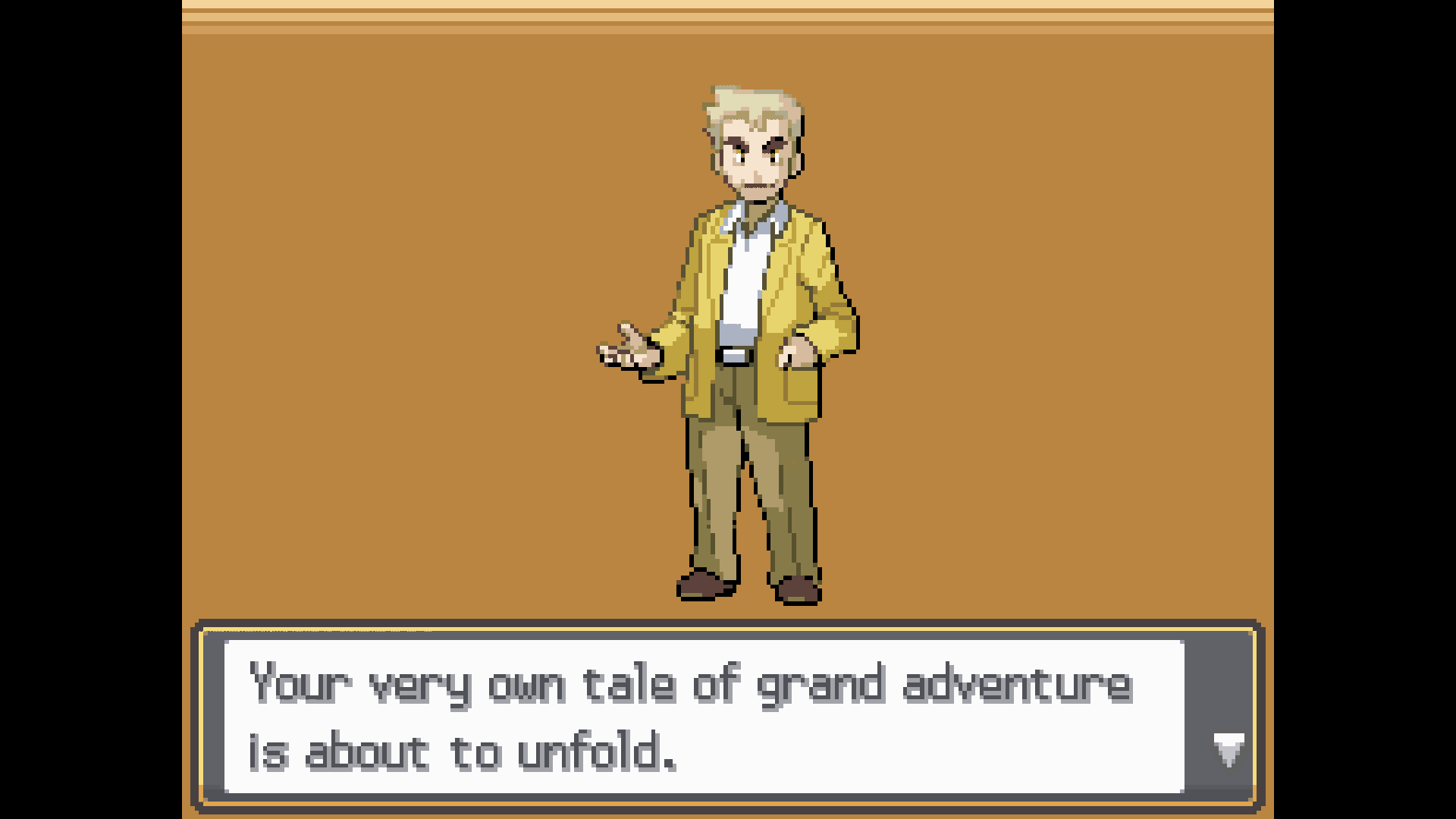
Only to encounter another annoyance. A bit of a head scratcher, really.
MelonDS defaulted to mapping my face buttons to the opposite of what they should be. A was mapped to B, B was mapped to A, X was mapped to Y, Y was mapped to X. This seems like an intentional choice just to fuck with me?!
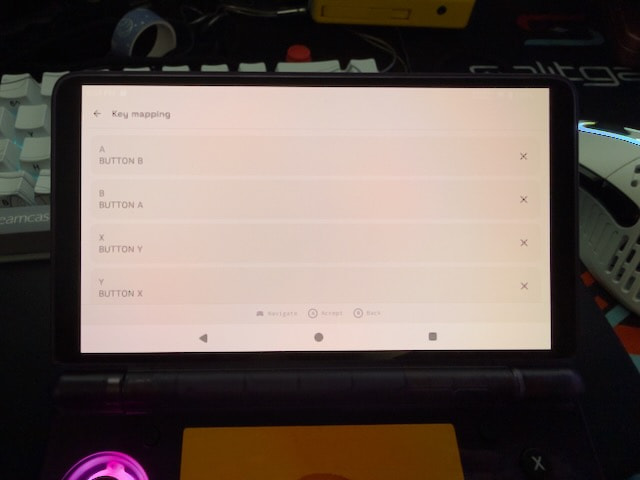
Plus, when moving to re-assign those button maps, if you don’t clear the mapping before assigning a new one, it keeps both assignments, so then I had each button representing two presses, which really confused things. Eventually I got it set up, however.
And WOW the screens on here are SO NICE for DS play. OLED is just so incredible and the clean scaling in melonDS really just… looks incredible. It’s kind of hard to imagine playing these games any other way…
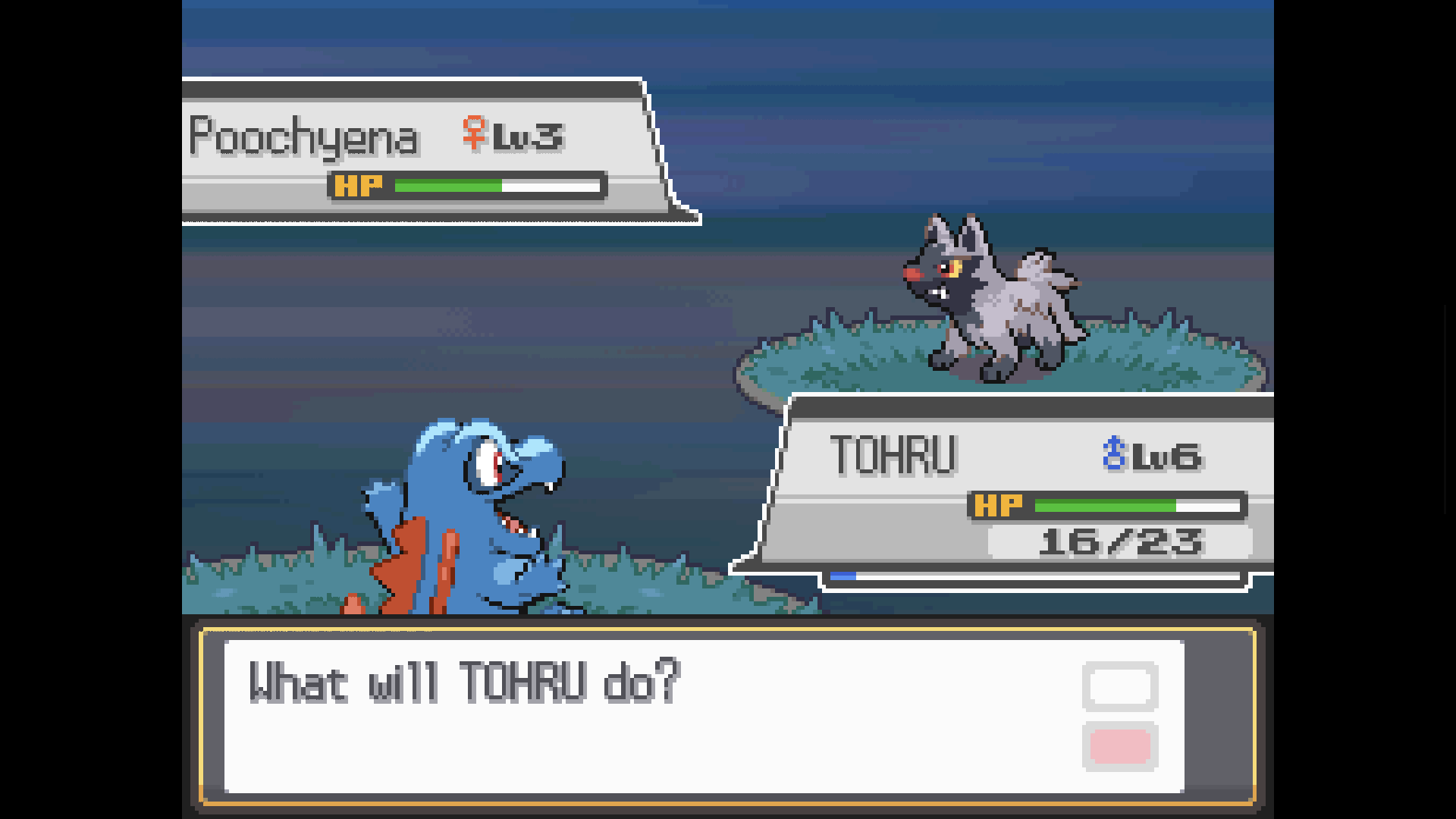
The ROMhack is pretty sweet, and being able to close the AYN Thor to suspend and keep going later will be critical in keeping this in use as a low-friction gaming device, as long as I’m intentional about what games I put on it and pick ones I’m excited to play (specifically when I’m excited to play them).
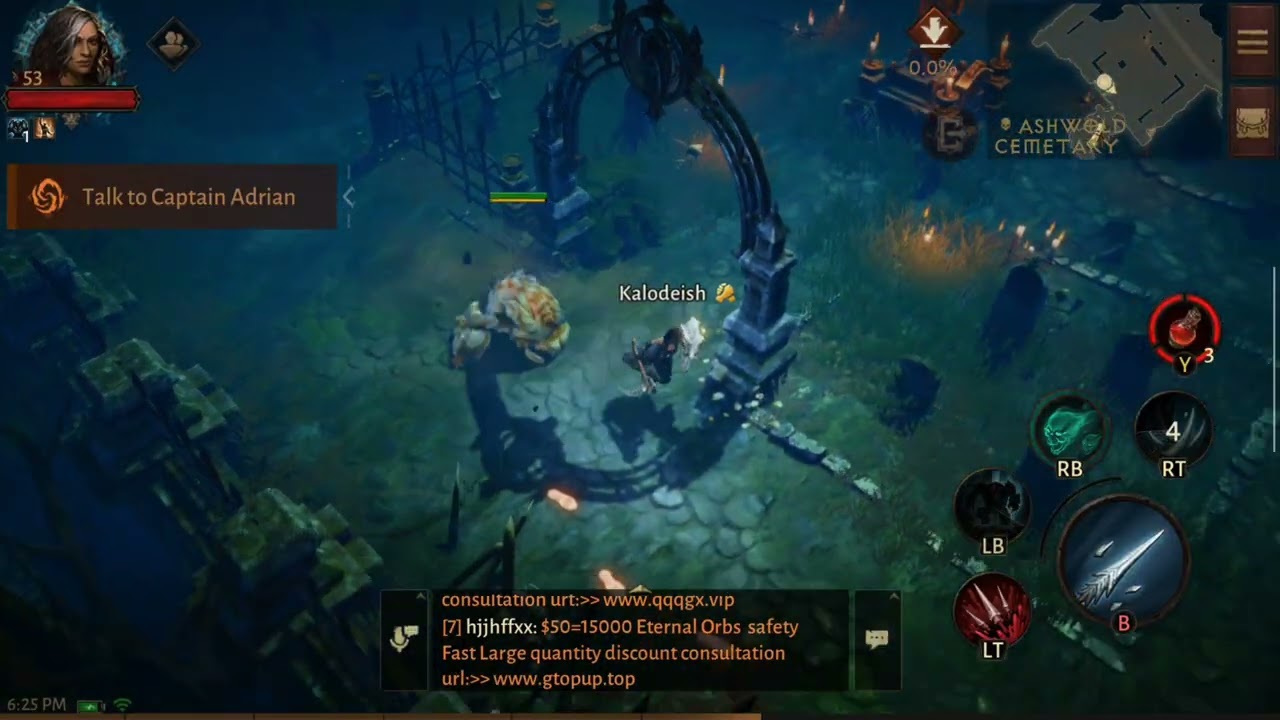
Of course, I’m not sure what else I would want to play on here besides DS/3DS games. The dual screens makes it feel awkward to play anything that wouldn’t use both, but I had loaded up some Android junk on here just to test how it plays (like Call of Duty Mobile, the mobile Destiny game that I’m not sure even still works, Diablo Immortal, etc.) But I won’t play those long-term, so I’m not sure how much value this has beyond a basic ROMhack device for Game Boy through 3DS Pokemon games.
Back in November I had tried GameNative to emulate Steam games on here. I tried DmC: Devil May Cry and while it was super impressive that it worked at all with any remotely competent framerate, I wouldn’t exactly describe it as playable. And there’s a lot of shadyness with GameNative and multiple versions of it, etc. But I also know that with the Steam Frame coming soon, we’re about to see a revolution in Arm x x86 compatibility!!
From here, there were a couple more problems to solve: Screenshotting and recording. Screenshotting is built into Android (obviously) but not melonDS, unfortunately, so I can’t just map it to a button. Lame. This also means I can’t get accurate screenshots of just the game, hence the black bars on the screenshots above.
And there’s a touch of friction with getting screen grabs off the device. Each time I connect it, I have to approve the prompt to enable file transfer over USB. I cannot find any setting to have this on by default (even with USB debugging enabled) so if anyone knows a solution, please let me know. And while on Linux, once approved the file mount works like any device (well, any Android device, which comes with some quirks for sure), it doesn’t show up at all on Mac. I have to use MacDroid - Manager for Android App - App Store to mount it in Finder, which is annoying but solved, at least! I had to use this for the Vecture glasses and my Quest 3, too, when I used those.
Game recording is another thing. Via an overlay, I can enable a recording with what the OS calls “GameAssistant” - but this only lasts for like… 5-10 seconds (with an obvious circle timer) and then stops on its own. And only records the top screen. I cannot find any settings for this, or even find said “GameAssistant” when searching the menus, so I have no clue how to tweak this.
I was thinking I’d have to leverage the DisplayPort-over-USBC capabilities to run to a capture card (which is sick that it supports, mind you) BUT I found a much better solution.
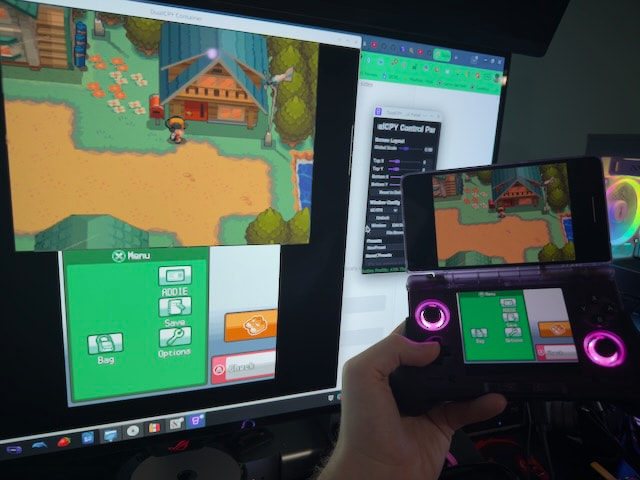
Using SkyfaR/DualCPY-Linux: Dual Screen Mirroring for the AYN Thor - Forgejo: Beyond coding. We Forge. and enabling USB debugging on the device, I’m able to send what seems to be a lossless, low-latency video (and audio) feed of both screens over USB C to my desktop to then capture in OBS etc.! I haven’t played around with it for too long, but this makes things so much easier.
Between the beautiful screens and now both file management and video capture over USB C, I’m seriously looking at my DS/3DS capture devices with a side eye, wondering if I’ve wasted my time/money…
Trying to justify sticking with my original copies of games and original hardware when I have them, but it’s hard.
I haven’t actually figured out audio capture yet with this, as I assume it’s sending to desktop over USB since it mutes the speakers, but I haven’t played with it long yet.
Side note: The LCD filter in melonDS looks INCREDIBLE on these screens with these games, and is the only filter I’ve liked thus far, but I tend to keep them off.
So I still have some (mostly minor) problems to solve, but I’m very excited to be all in on using this thing now. Just gotta figure out what exactly I want to play on it beyond ROMhacks.